
Error Code 279, usually shown with “ID = 17: Connection attempt failed,” means your device tried to reach a Roblox game server and the connection never completed in time. It’s different from Error 277 — that one drops you after you’re already connected; 279 stops you before you ever get in.
Not sure which error you have? Try the Roblox Error Doctor and get to the fix in a few clicks.
What Does Roblox Error Code 279 Mean?
Error 279 is a failed connection attempt, not a dropped one. Your device sent the request to join a server and never got a complete response back, so Roblox times it out and reports 279 instead of loading the game.
Common Causes
- A temporary network hiccup on your end or the server’s.
- Ad-blocking browser extensions — Roblox Support specifically calls these out as a known trigger when playing through a browser.
- A blocked or unstable connection path, especially on public or restrictive Wi-Fi networks.
- A brief Roblox server-side issue — check status pages before assuming it’s your device.
How to Fix Roblox Error Code 279
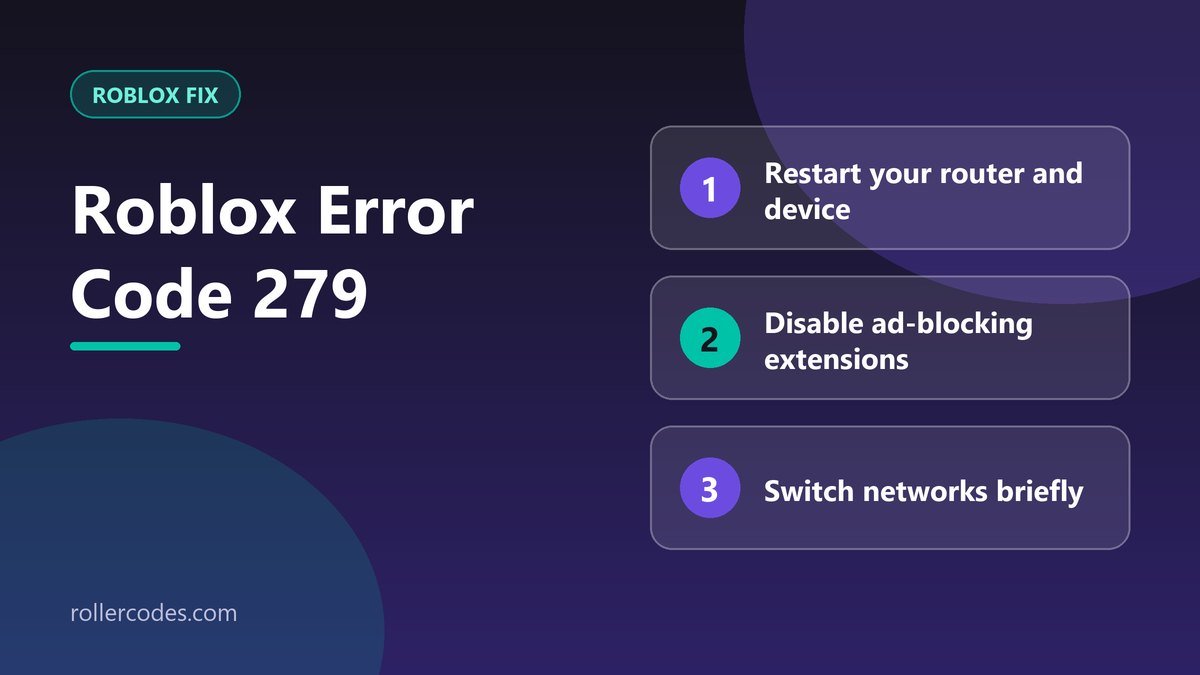
- Restart your router and device, then wait a full 30 seconds before trying to reconnect.
- Disable ad-blocking extensions if you’re playing Roblox through a browser — this is one of the most consistently reported fixes for this specific error.
- Switch networks briefly — from Wi-Fi to mobile data or vice versa — to force a fresh connection path and rule out a local network block.
- Check Roblox’s server status using a service like DownDetector before spending more time troubleshooting locally.
- Reinstall Roblox if the error persists across networks — this clears out any corrupted files that might be interfering with the connection handshake.
The good news: Error 279 is almost always temporary. Once whatever’s blocking the connection attempt is cleared, it goes away on its own.
Frequently Asked Questions
Is Error 279 the same as Error 277?
No. 277 is a connection you lose after joining; 279 is a connection attempt that fails before you ever get in.
Do ad blockers really cause this?
Yes, when playing through a browser — some ad-blocking rules interfere with Roblox’s connection requests. It’s worth disabling them on Roblox specifically even if you keep them elsewhere.
Related Roblox Fixes
- Roblox Error Doctor: diagnose your error code
- Roblox Error Code 277
- Roblox connection problems
- Roblox Error Code 280
- Working Roblox codes for every game
Working Roblox Codes
Back in the game? Grab today’s checked codes: all Roblox game codes, anime games, simulator games, tower defense and RPG & fighting games.
Related Roblox Guides
- How to Report a Bug on Roblox
- How to Contact Roblox Support by Email