
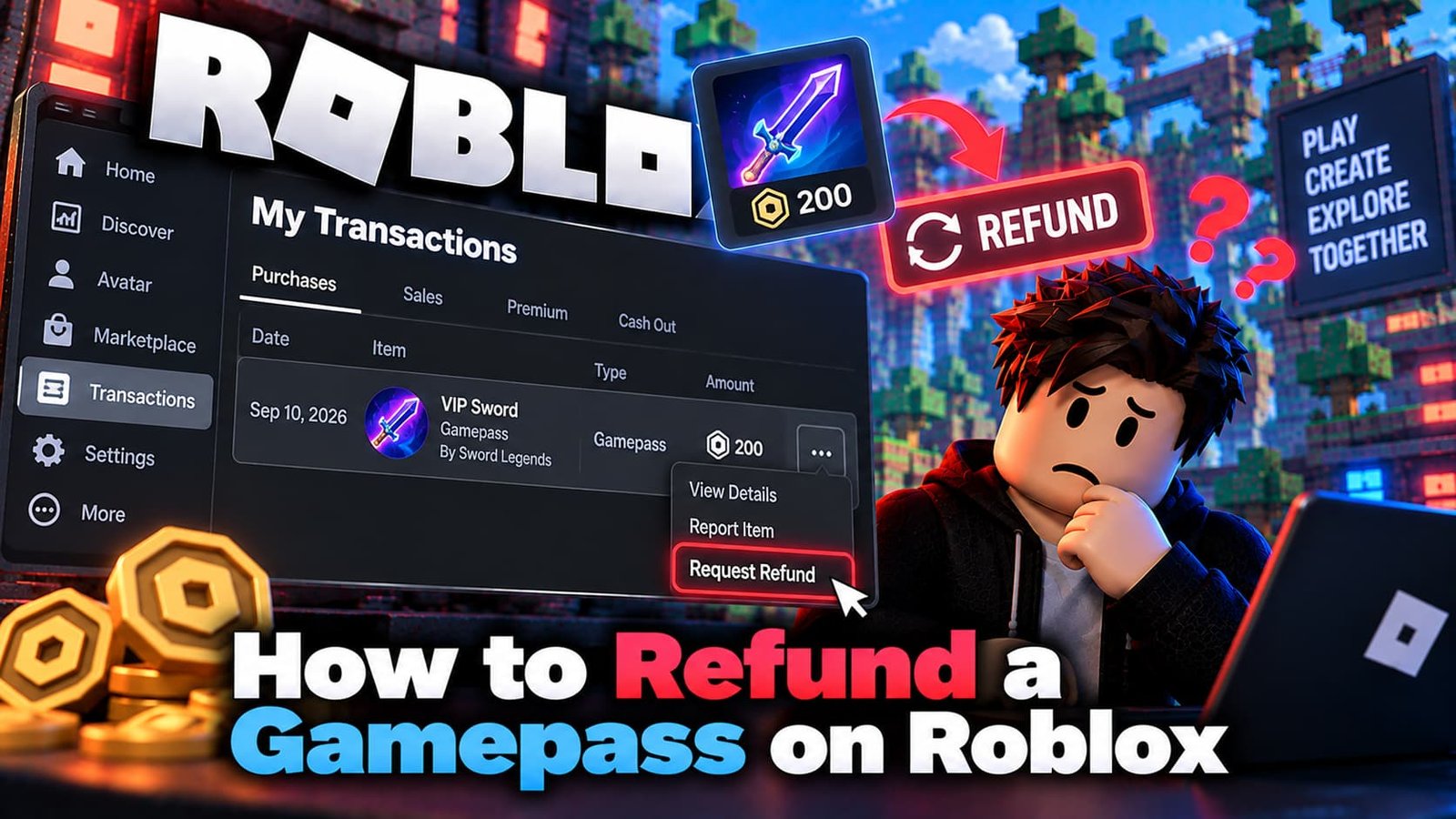
Most players want a simple answer: can I get my Robux back after buying the wrong gamepass? The honest answer is that usually you can’t. Roblox says it is generally not able to offer refunds for items bought within an experience, including gamepasses, and there is no way to get Robux back once a purchase is made. There are a few exceptions, and this guide explains what they are and how to ask correctly.
What Roblox’s Policy Says
- Items bought in an experience: generally not refundable, including accidental purchases and unused or lost items.
- Avatar Shop items: the same, once bought.
- Unauthorized charges: this is where Roblox has a more permissive refund policy. If someone bought without permission, ask support.
- Paid Access experiences bought in local currency: a refund can be requested within 48 hours of the first purchase, from the experience page (a “Request Refund” option).
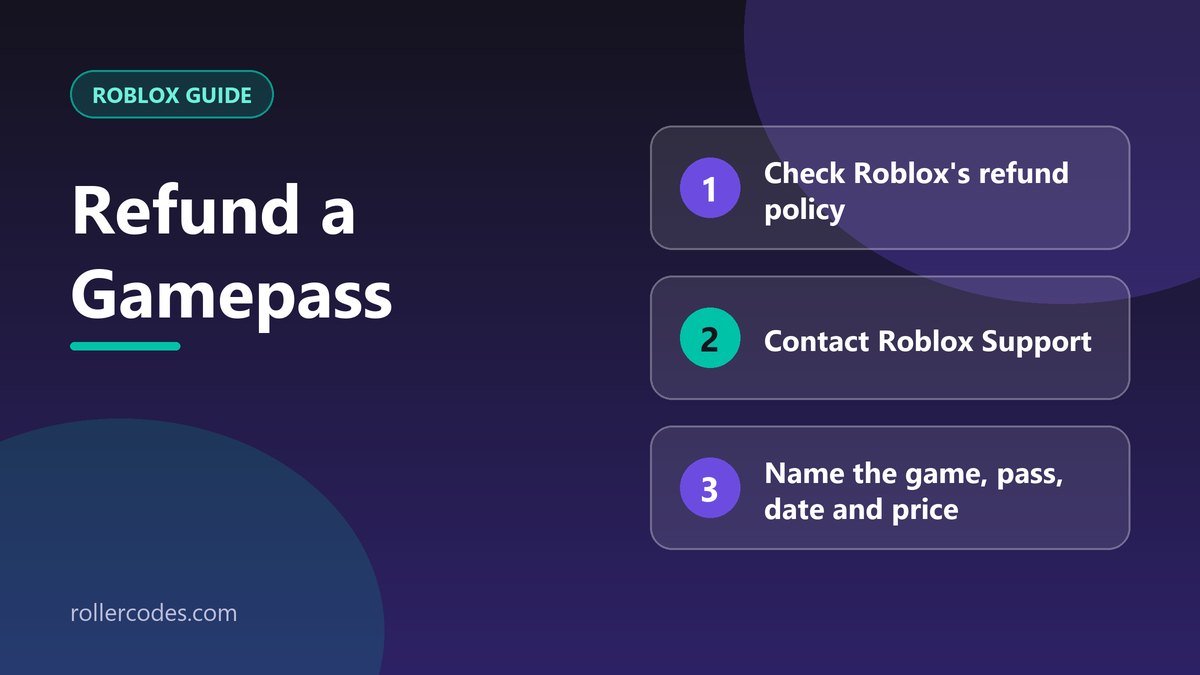
How to Request a Refund When You Have a Case
- Contact Roblox Support through the support form. Our guide to contacting Roblox Support explains the process.
- Choose the billing or refund category.
- Give your username and the email on the account.
- Name the experience and the gamepass, with the date and the price.
- Explain plainly why it should be refunded, for example that the charge was made without the account owner’s permission.
Find the date and price first on your purchase history page, so your request contains real details.
Contact Support Before Disputing a Charge
If a charge on a card looks unauthorized, contact Roblox Support before you dispute it with your bank. Roblox says that once a charge has been disputed, it can no longer issue a refund. Roblox may also take action against accounts that abuse the refund system or make unauthorized purchases, since that breaks the Terms of Use.
If You Paid Through a Third-Party Store
Bought Robux through the Apple App Store, Google Play, the Microsoft Store or a console store? That store controls refunds for that transaction, and Roblox Support will typically point you to it. Check the store’s own refund options first.
Other Things You Can Try
- Ask the experience’s creator. Creators can’t return Robux for you, but they can sometimes help if a pass didn’t work as described. See Roblox’s guidance on contacting an experience’s creators.
- Check the pass actually applied. Rejoin the game; sometimes the benefit only appears after re-entering.
- Use parental controls and spending limits so accidental purchases are less likely.
If You Regret a Purchase Right Now
- Don’t keep buying to “fix” it. A second wrong purchase makes things worse.
- Check that it wasn’t you or a family member. Look at the account’s transactions and recent purchases first.
- Check whether it is an unauthorized charge or a real-money experience purchase inside the 48-hour window. Those are the cases where a request has a real chance.
- Write to support promptly with the details, and don’t dispute the charge with the bank in the meantime.
How to Avoid Accidental Purchases Next Time
- Read the pass description and price before you confirm.
- Ask what the pass does before buying with a shared account.
- Turn on spending limits and parental controls for children’s accounts.
- Don’t save payment details on devices children use freely.
Frequently Asked Questions
Can I get a refund for a gamepass I bought by mistake?
Roblox says it generally can’t refund purchases made in experiences, including accidental ones. It doesn’t hurt to ask if you have a genuine problem, but don’t expect a yes.
What if a child bought it without permission?
Contact Roblox Support with the details as soon as possible and before disputing the charge with your bank.
Do I get my Robux back after a refund?
That depends on the outcome of your request. Support will tell you what was done.
Does a chargeback with my bank work?
It can lead to problems with the account. Roblox says to contact support first.
Sources
Checked against Roblox’s own support documentation. Menus and rules can change, so if something looks different on your screen, the official article is the final word.
- Roblox Support: Unauthorized Charges & Refund Requests
- Roblox Support: Will I get my Robux back if I delete or do not like an item?
- Roblox Support: Paid Access in Local Currency
- Roblox Support: Contacting an Experience’s Creators for Help
Related Roblox Guides
- Do You Get a Refund If You Cancel Roblox Plus?
- How to Delete Your Roblox Account Permanently