
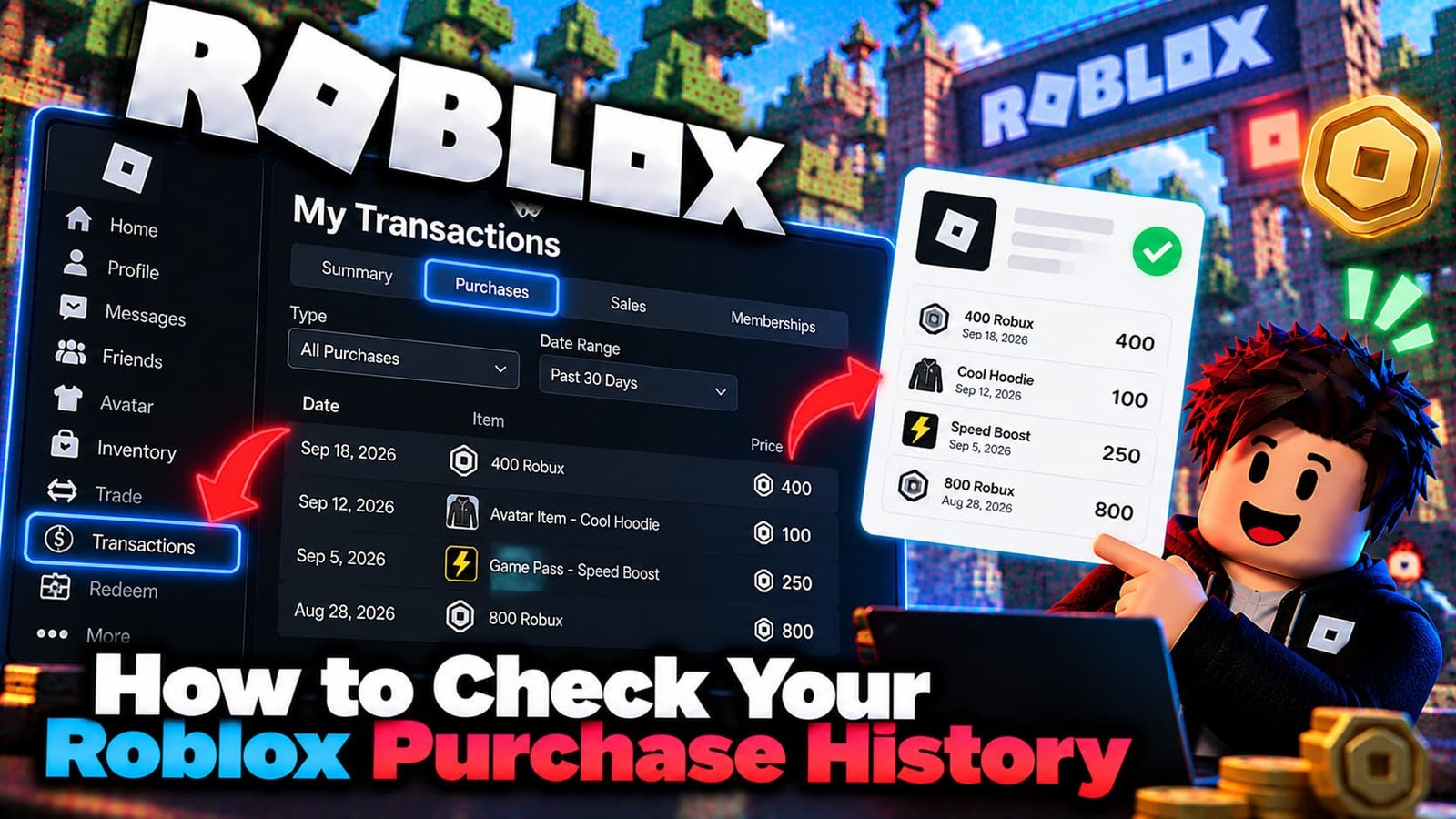
Roblox does not use the label “Purchase History”. Your purchases, sales and other Robux activity live on a page called My Transactions. This guide shows how to open it, what each filter means, and where to look when you need a receipt for real money you spent.
How to Open Your Roblox Transactions
- Log in to Roblox in a web browser. The page works most reliably on a computer.
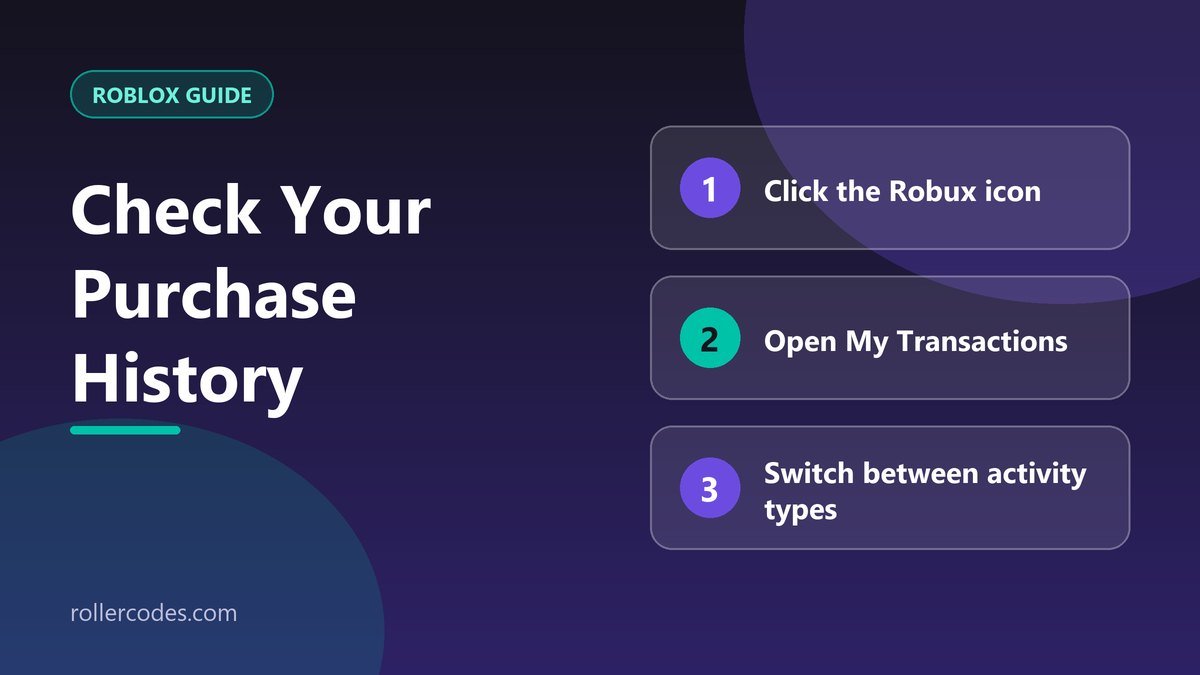
- Click the Robux icon in the top navigation bar.
- Click your Robux balance to open My Transactions. You can also go straight to roblox.com/transactions.
- Use the drop-down menu to switch between the types of activity.
What My Transactions Shows
The page separates your activity by category instead of listing everything together:
- Purchases — the virtual items and passes you bought with Robux.
- Sales — items and passes you sold, if you are a creator.
- Currency purchases — your history of buying Robux.
- Other views — depending on your account, group payouts and creator rewards can also appear.
Receipts for Real-Money Purchases
The transactions page tells you what happened on Roblox, but it isn’t a bank or store receipt. If you bought Robux with real money, the proof of payment usually lives with the payment provider you used:
- Apple: use Apple’s “Report a Problem” purchase history page to open the order and view the receipt.
- Google Play, Microsoft, Xbox, PlayStation and others: check that store’s own order history.
- Card or PayPal charges: check your statement or your PayPal activity for the matching amount and date.
Roblox has a help article, “How to find your purchase receipts”, that lists the options by platform.
If a Purchase Is Missing
- Check you are on the right account. Many “missing purchases” were made on an alternate account.
- Refresh or use a browser. The mobile app can hide details the website shows.
- Look at the Robux history, not only Purchases. A pending amount or a currency purchase sits in a different filter.
- If the charge is on your card but nothing arrived, contact Roblox Support with the date, amount and payment method. See how to contact Roblox Support.
Before You Ask for a Refund
Have your purchase details ready before you write to support. Our guide to refunding a gamepass on Roblox explains what Roblox will and will not refund.
Common Mistakes
- Searching the app for “Purchase History”. The page is called My Transactions and works best on the website.
- Expecting the dollar amount to show there. Roblox’s page shows Robux activity; the real-money amount is on your store or card receipt.
- Looking at the wrong filter. Purchases, sales, and Robux purchases are shown separately.
- Checking the wrong account. If you play on more than one account, purchases only appear on the account that made them.
- Waiting too long to collect proof. If you ever plan to dispute something, save the receipt and a screenshot of the transaction the same day.
Keeping Your Own Record
If you spend regularly, or a parent wants to keep track of a child’s spending, take a screenshot of your transactions page once a month and keep store receipts in one email folder. It takes a minute and makes any future question about a charge much easier to answer.
Frequently Asked Questions
Where is my Roblox purchase history on mobile?
The transactions page is designed for the website. If you can’t find it in the app, open Roblox in your phone’s browser and go to roblox.com/transactions.
Can I download my purchase history?
The transactions page is a list you can view and filter. For payment receipts, use the receipts from your payment provider.
Does the page show what I paid in real money?
It shows Robux activity. The real-money amount is on your provider’s receipt.
Why don’t I see my gamepass?
Check the Purchases filter and make sure you are logged into the account that bought it.
Sources
Checked against Roblox’s own support documentation. Menus and rules can change, so if something looks different on your screen, the official article is the final word.
- Roblox Support: How to find your purchase receipts
- Roblox Support: Where are my Robux?
- Roblox Transactions page
Related Roblox Guides
- Do You Get a Refund If You Cancel Roblox Plus?
- How to Delete Your Roblox Account Permanently