
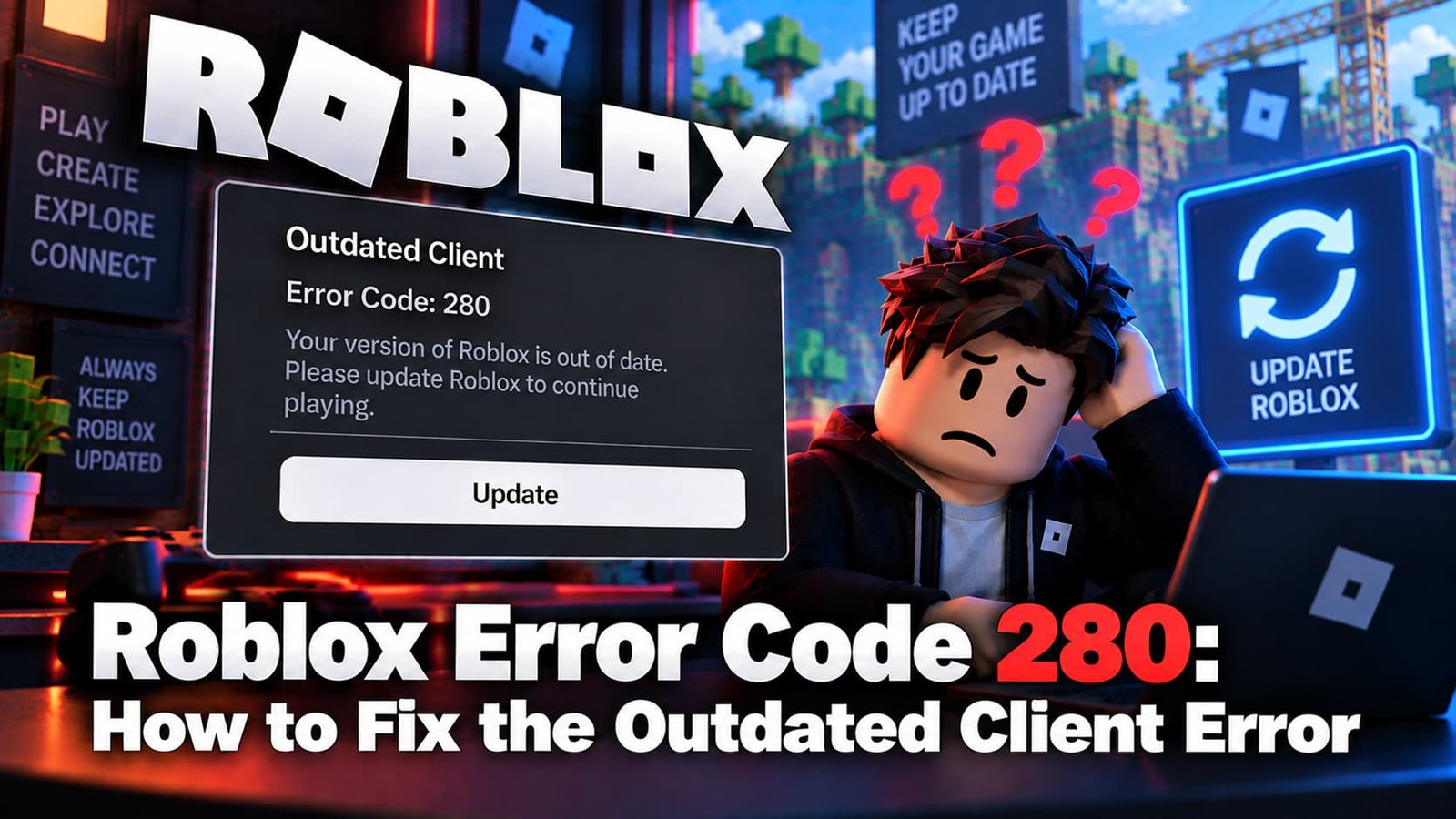
Error Code 280 means exactly what it says: “Your version of Roblox may be out of date. Please update Roblox and try again.” Roblox’s servers won’t let an outdated client connect, and this is the error you get when yours falls behind.
Not sure which error you have? Try the Roblox Error Doctor and get to the fix in a few clicks.
What Does Roblox Error Code 280 Mean?
Roblox updates its client roughly every week. When your installed version falls too far behind what the servers expect, the server refuses the connection rather than risk a mismatch — that refusal is Error 280.
Why It Happens
- Auto-update failed silently — the most common cause. Roblox is supposed to update itself on launch, but the update can fail without any visible warning.
- Corrupted local files preventing the client from completing its own update.
- A managed or restricted device (school or work computer) where auto-updates are blocked by policy.
How to Fix Roblox Error Code 280
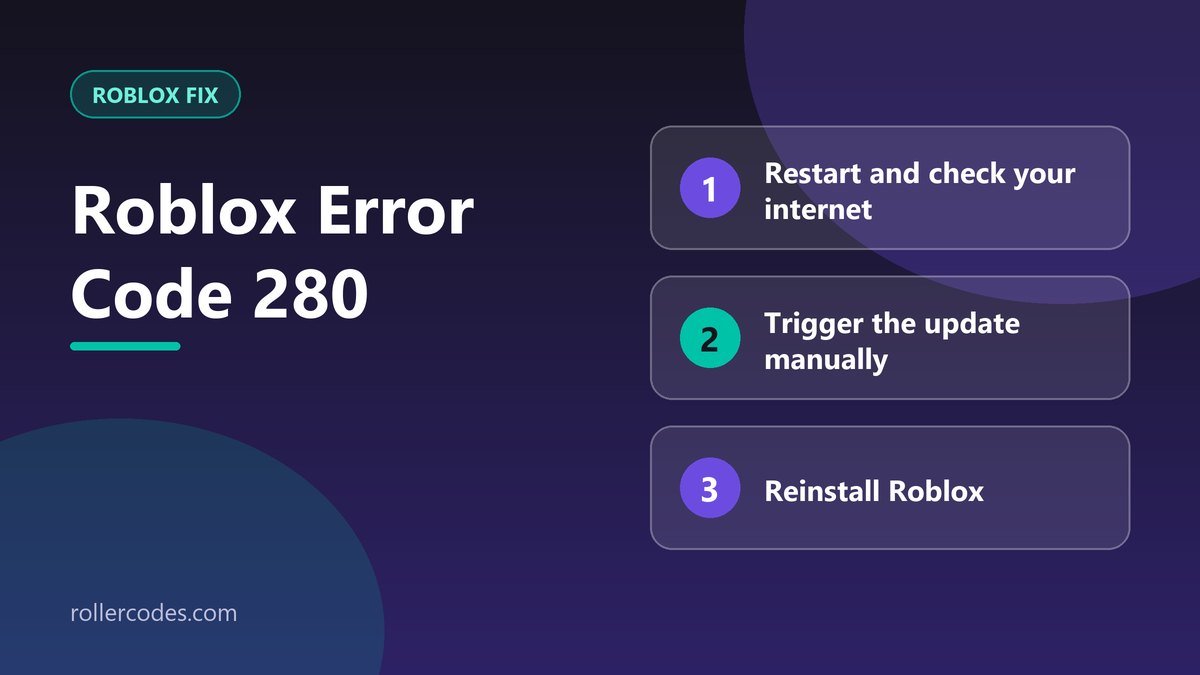
- Restart your device and make sure your internet connection is stable — this alone resolves a surprising number of stalled updates.
- Trigger the update manually. Open a browser, go to roblox.com, sign in, and try joining any experience — this usually forces the client to check for and install the update it missed.
- Reinstall Roblox completely. Uninstall it, restart your device, then download a fresh copy from roblox.com. This replaces any corrupted files that were blocking the auto-update.
- Clear the Roblox cache before reinstalling — leftover corrupted data can cause the same update failure to repeat even after a fresh install.
Frequently Asked Questions
Will updating delete my saved settings?
No. Your account, inventory, and settings are stored on Roblox’s servers, not in the client itself. Updating or reinstalling only replaces the local application.
Why didn’t Roblox update automatically?
Usually because the previous update attempt failed partway through, or a device policy (common on school/work computers) blocks background updates.
Related Roblox Fixes
- Roblox Error Doctor: diagnose your error code
- Roblox Error Code 279
- Roblox connection problems
- The “Third-Party Software Is Interfering” error
Related Roblox Guides
- How to Report a Bug on Roblox
- How to Contact Roblox Support by Email