
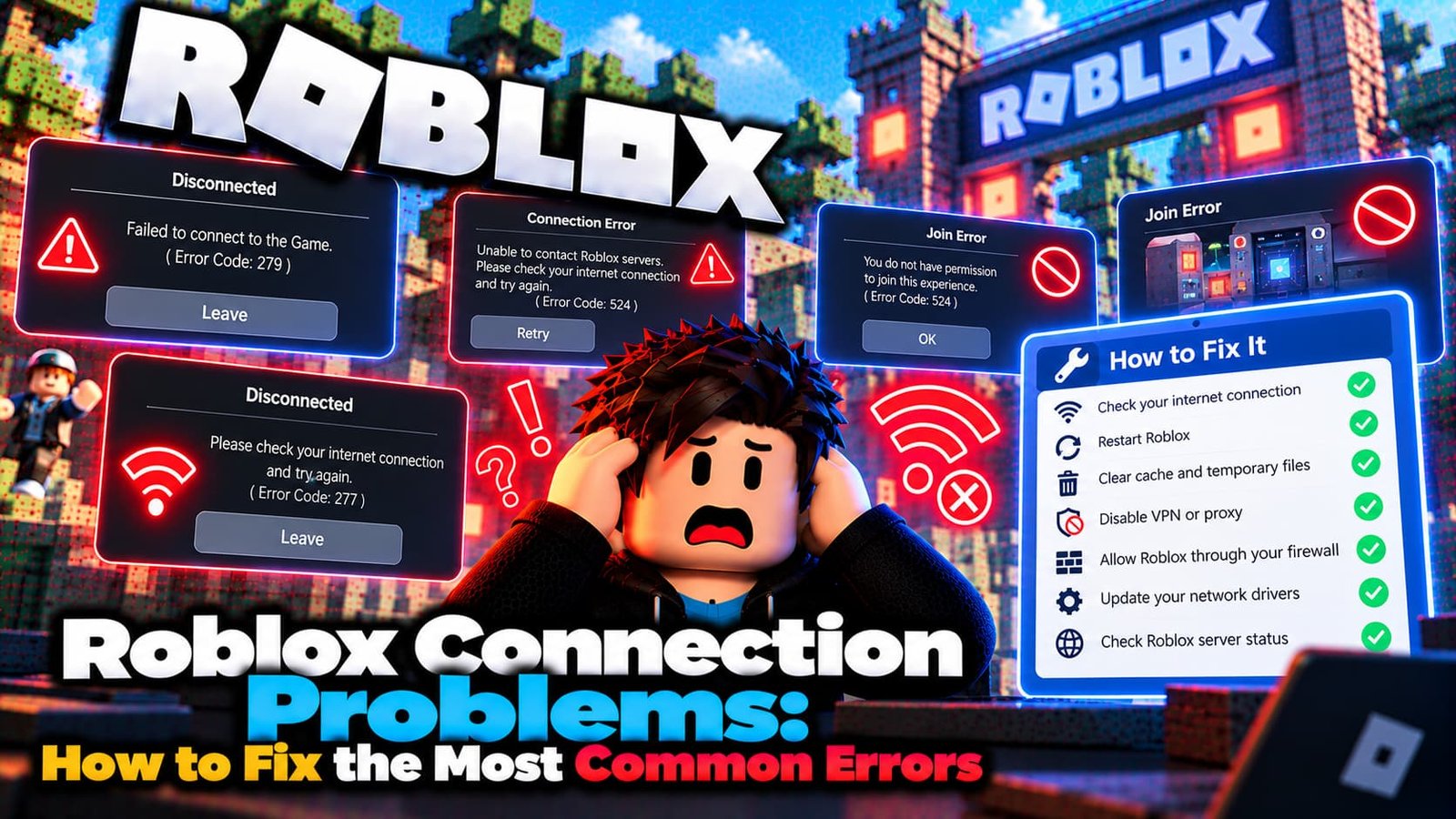
Roblox failing to load, kicking you mid-game, or refusing to connect at all almost always comes down to one of a handful of causes — your internet, your device, Roblox’s own servers, or a specific error the game itself is throwing. This guide walks through all of them, and links out to the exact fix for each specific error code.
Not sure which error you have? Try the Roblox Error Doctor and get to the fix in a few clicks.
First, Figure Out Which Kind of Problem You Have
Roblox connection issues fall into three broad categories, and knowing which one you’re dealing with saves a lot of wasted troubleshooting:
- Network lag — other players seem to teleport, your own actions are delayed, but the game doesn’t disconnect you.
- Graphics lag — stuttering animations, rough camera movement, dropped frame rate, especially in busy areas. See our full guide to fixing Roblox lag.
- A hard connection failure — Roblox shows a specific numbered error code and won’t load at all. This is what the rest of this guide covers.
General Fixes That Solve Most Connection Errors
Before chasing a specific error code, work through these — they resolve the large majority of connection problems regardless of which numbered error you’re seeing:
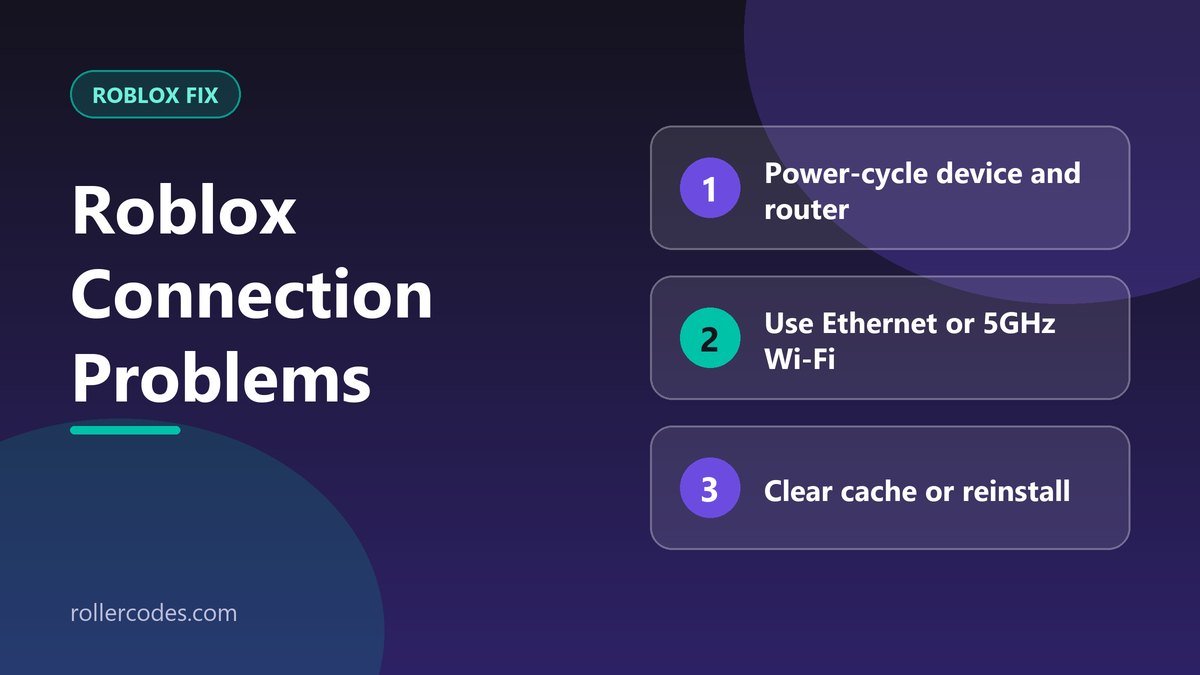
- Restart your device and router. A full power cycle (unplug both for 60 seconds) clears more connection issues than any other single step.
- Switch from Wi-Fi to Ethernet, or move to the 5GHz band if you’re stuck on Wi-Fi — 2.4GHz is far more prone to interference.
- Clear Roblox’s local cache so the client rebuilds its files instead of running on possibly-corrupted data.
- Check Roblox’s server status before troubleshooting further. If Roblox itself is down, nothing on your end will fix it — you just have to wait.
- Reinstall Roblox if the problem persists across networks and devices — this replaces any corrupted files a simple cache clear didn’t catch.
Specific Roblox Error Codes and Their Fixes
If you’re seeing an actual numbered error, jump straight to the guide for that code — each one has a different root cause and a different fix:
- Error Code 403 — access denied, often tied to cache, VPN, or account restrictions.
- Error Code 267 — kicked and banned from one specific experience.
- Error Code 277 — lost connection to the game server mid-session.
- Error Code 279 — a connection attempt that failed before joining.
- Error Code 280 — your Roblox client is out of date.
- Error Code 524 — you don’t have permission to join that experience.
- “Third-Party Software Is Interfering” — Roblox’s anti-cheat flagging background software.
- “The Creator Hasn’t Made This Game Available for You” — an audience restriction set by the game’s creator.
When It’s Not Your Connection at All
Some Roblox errors look like network problems but are actually about permissions or account status — Error 524 and the “creator hasn’t made this available” message are both like this. If restarting your router and clearing your cache haven’t helped, check whether your specific error matches one of the permission-based ones above before assuming it’s a network issue.
Frequently Asked Questions
Why does Roblox disconnect me but work fine on other sites?
Roblox’s game servers have their own connection requirements (including specific UDP ports) separate from general web browsing — a network that handles normal browsing fine can still block the ports Roblox needs.
Is it ever just Roblox’s fault?
Yes — server-side outages happen. Always check Roblox’s status before spending a lot of time troubleshooting your own setup.
Related Roblox Guides
- How to Contact Roblox Support by Email
- How to Report a Bug on Roblox