
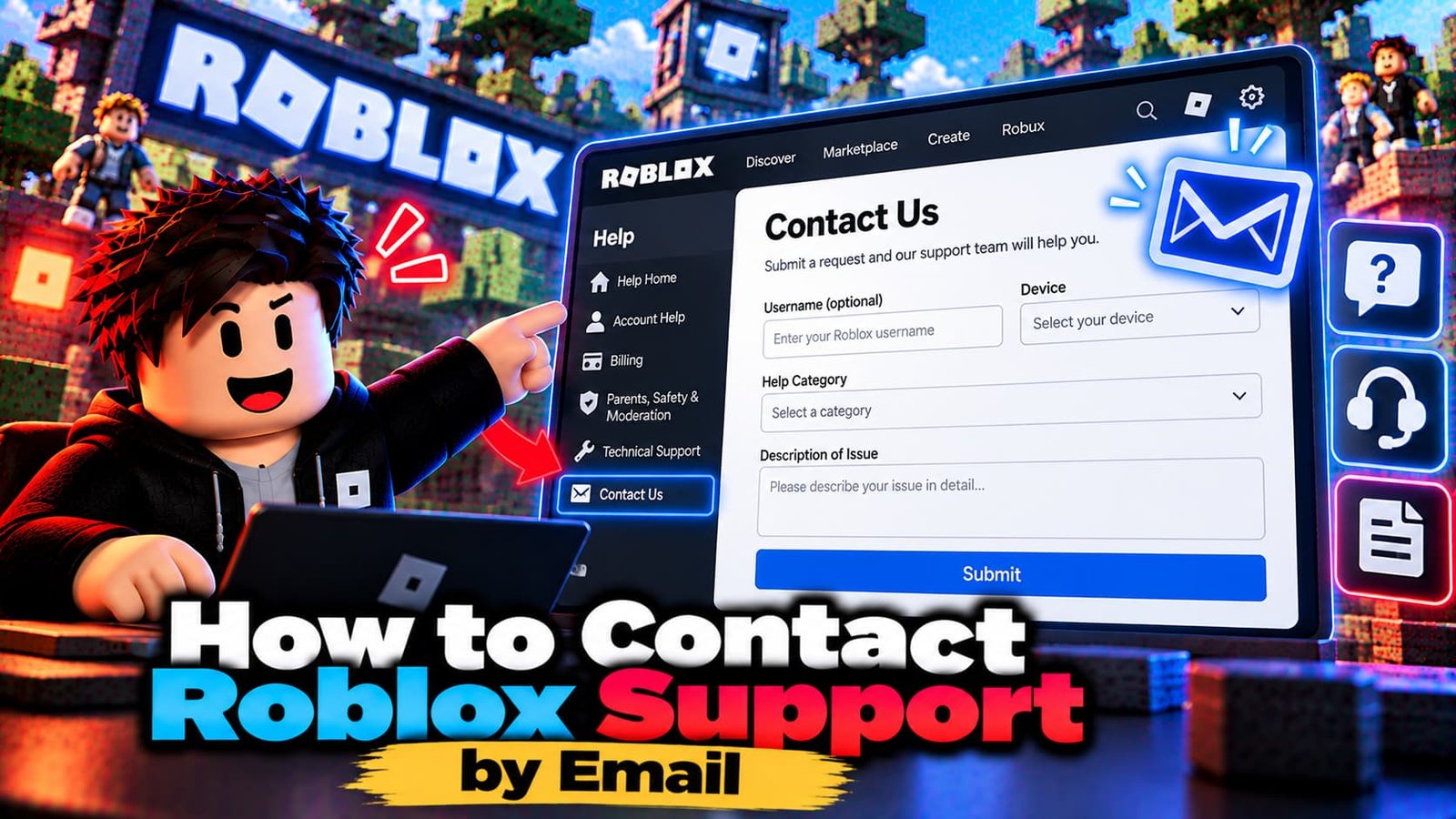
If you are looking for a Roblox support email or phone number, you will be disappointed. The official route to Roblox Customer Support is a support form, and how you fill it out has a large effect on how quickly you get a useful answer. This guide explains where the form is, what support can and can’t help with, and what to include.
The Official Way to Contact Roblox Support
Go to the Roblox support page at roblox.com/support or open the support request form in the Roblox Help Center, and fill in the request. Your choices on the form route the request to the right team. Roblox’s Customer Support team handles billing and account issues.
What Support Can (and Can’t) Help With
- Good fit: billing problems, account access and login problems, deleting an account, unauthorized charges and similar account questions.
- Not the right place: questions about a game’s own features, performance, building or scripting. For those, use the creator’s own channels, the Creator Documentation or the Developer Forum.
- Trouble joining or playing a game: check the Roblox Status page first, since a platform problem may already be known.
What to Include for a Faster Response
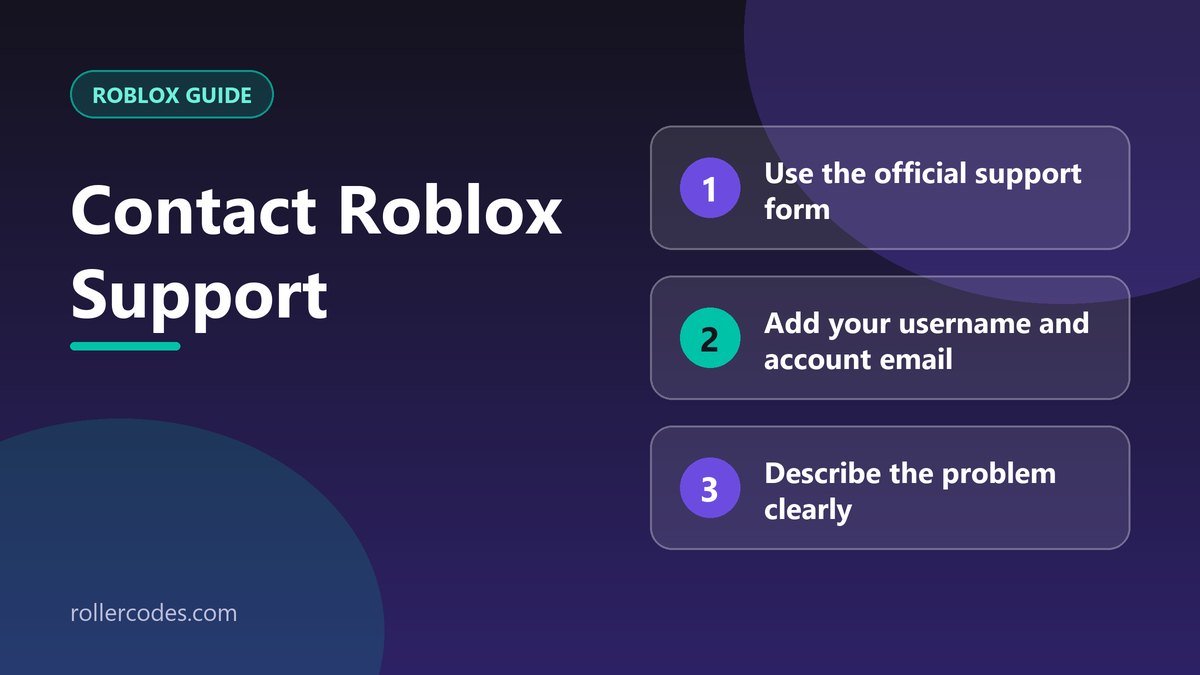
- Your Roblox username. If more than one account is involved, list every username in the description.
- The email address on the account, which helps verify it is really you.
- A clear description. Say exactly what happened, when, and what you expected instead.
- Details that identify the problem: the error message word for word, the game name, the date and amount of a charge, and the device you use.
- What you already tried, so support doesn’t suggest the same steps again.
Tips That Save Time
- Search the Help Center first. Many common problems have a step-by-step article.
- Choose the right category. A billing problem sent as a general question can take longer to reach the right team.
- Send one request per issue, and don’t submit duplicates. Extra tickets don’t speed things up.
- Keep your replies in the same thread so support sees the history.
- Be polite and specific. A calm, detailed message is easier to act on.
Common Reasons People Contact Support
Locked out of an account? Try our guide to resetting your Roblox password first. Want to close the account? See how to delete or deactivate your account. Think a charge is wrong? See how to check your purchase history so you have the details ready.
A Good First Message: Example
Support requests that read like this are easy to act on:
Username: YourUsername. Email on the account: you@example.com. On [date] I tried to [what you were doing] and got [exact message or problem]. I already tried [what you tried]. What I would like is [the outcome you want]. Device: [PC / phone / console].
Replace the brackets with real details. One clear paragraph with the facts is better than several vague messages.
Frequently Asked Questions
Is there a Roblox support phone number?
Roblox directs players to its support form rather than a phone line. Use the form.
How long does support take to reply?
Roblox doesn’t promise a fixed time, and it depends on the type of request. A complete first message usually avoids extra back-and-forth.
Can support help with a game bug or a scammer?
Account and billing matters go to support. Game-specific issues are usually handled by the game’s creator, and rule-breaking can be reported in the game or on the profile.
Sources
Checked against Roblox’s own support documentation. Menus and rules can change, so if something looks different on your screen, the official article is the final word.
Related Roblox Guides
- Can You Refund a Gamepass on Roblox?
- Do You Get a Refund If You Cancel Roblox Plus?