
You can’t actually view your current Roblox password — not in a hidden setting and not by asking support. What you can do is reset it, and for most players that takes a few minutes. This guide covers the reset by email, the reset by phone number, what to try when the email never shows up, and what to do if you have neither on the account.
Why You Can’t Check Your Password
Passwords are stored in a way that even the service itself cannot turn back into the original text. That is standard security practice, not a missing feature. So if you have forgotten your password, the path back into the account is a reset, not a lookup.
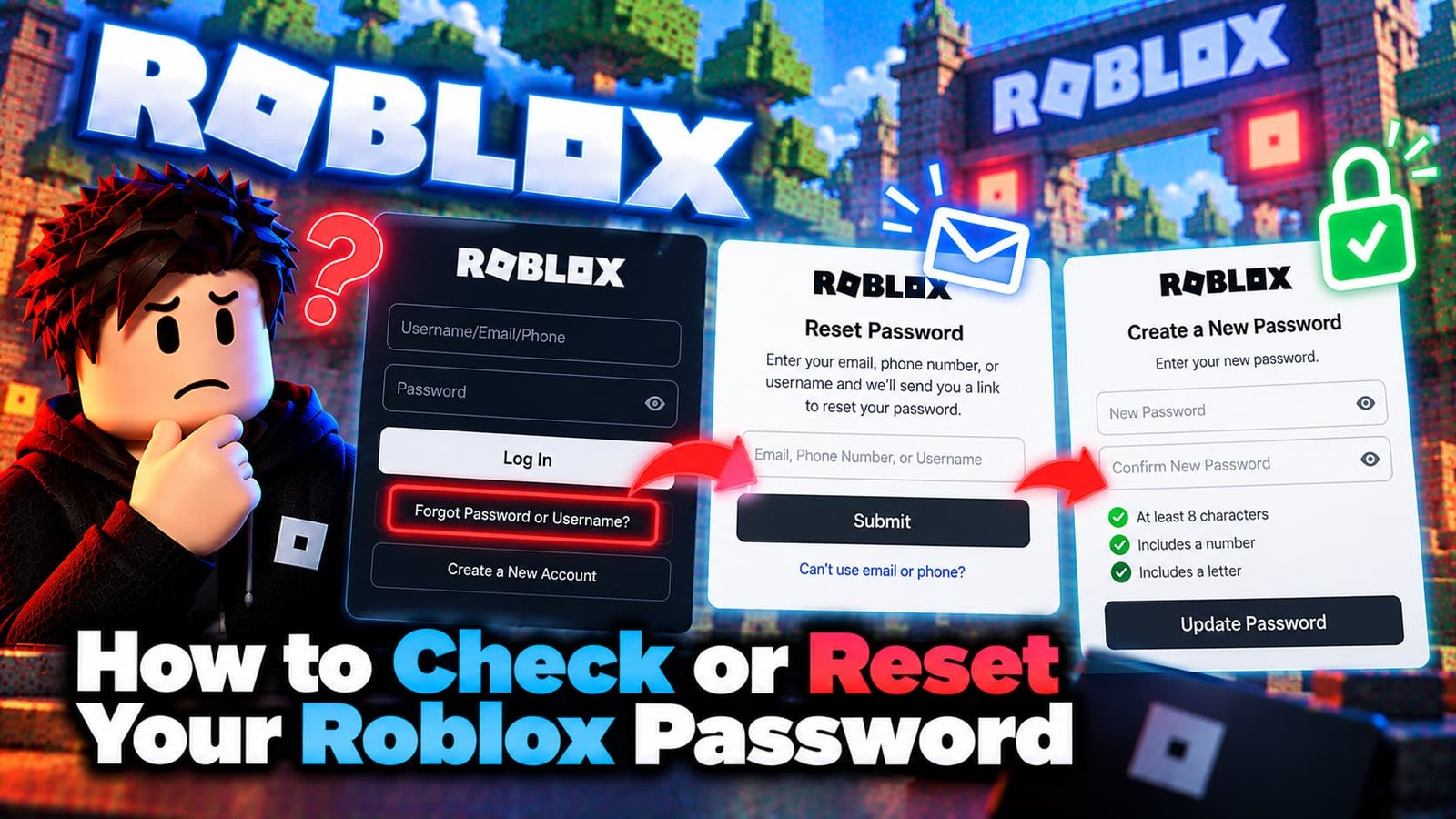
How to Reset Your Roblox Password by Email
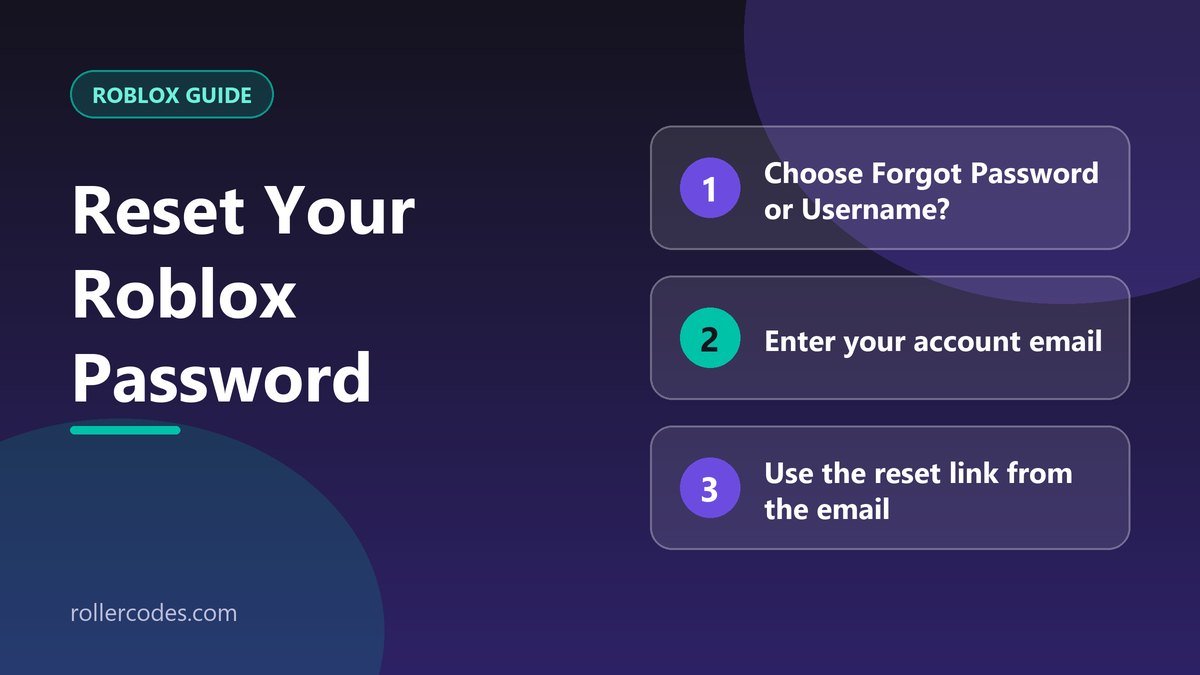
- Open the Roblox login page and select “Forgot Password or Username?”
- Enter the email address that is currently attached to your account and press Submit.
- Open the email from Roblox and press the Reset Password button inside it.
- Enter and confirm your new password, then press Submit.
Use the email address that is currently on the account. If you changed it at some point, the reset message goes to the newer address, not the one you signed up with.
Reset by Phone Number
If you don’t have an email on the account but you do have a phone number, use the Phone tab on the same recovery screen. Choose your country code, enter your number, press Continue and follow the verification prompts to set a new password.
Didn’t Get the Reset Email?
Work through this list before you request another message, because repeated requests can make it harder to tell which email is the latest:
- Check spam, junk, promotions and social folders. Reset emails are often filtered into one of them.
- Double-check the address you typed. A single wrong letter sends the message to someone else or nowhere.
- Add Roblox to your contacts or safe-sender list so filters stop hiding future messages.
- Give it a few minutes, then request one new email and use only the newest one.
- Try the phone option if a phone number is attached to the account.
Some email providers filter these messages aggressively. If nothing arrives after all of this, the next step is Roblox Support, which is covered below.
If There Is No Email or Phone on the Account
The self-service reset only works if an email address or phone number is attached. If neither was ever added, Roblox says you can’t reset with that feature and need to contact Customer Support and describe the login problem in detail. Our guide to contacting Roblox Support explains what to include so the request can be handled faster.
Changing Your Password While You’re Logged In
If you remember the password and simply want a new one, you don’t need the recovery flow. Open your account settings while logged in and use the password option there; you will be asked for your current password first. Roblox’s article “How do I change my password?” has the current menu names.
Keeping the Account Safe Afterwards
- Use a password you don’t use anywhere else. Reused passwords are the most common way accounts get taken over.
- Keep your email address current. It is your way back in if you forget the password again.
- Be wary of “free Robux” or password-checking sites. Roblox will never need your password from you outside its own login page.
- If you suspect your account was compromised, reset the password immediately and follow Roblox’s “My account was hacked” guidance.
Frequently Asked Questions
Can a browser’s saved password help me?
Yes, if you logged in through that browser before and it saved the password. Check your browser’s own password manager; that is separate from anything Roblox provides.
Is it safe to reset my password if I think someone else has access?
Yes. Resetting right away is the right move, because it locks out anyone using the old credentials.
Can I reset the password from the Roblox app?
The recovery screen is reachable from the login page in the app and in a browser. If the app gives you trouble, use a browser.
Will resetting my password delete anything?
No. Your Robux, items and friends stay on the account; only the login password changes.
Sources
Checked against Roblox’s own support documentation. Menus and rules can change, so if something looks different on your screen, the official article is the final word.
- Roblox Support: I Forgot My Password
- Roblox Support: How do I change my password?
- Roblox Support: My account was hacked – What do I do?
Related Roblox Guides
- How to Delete Your Roblox Account Permanently
- How to Change Your Roblox Account Location
- How to Edit Your Roblox Profile
- How to See When a Roblox Account Was Created