
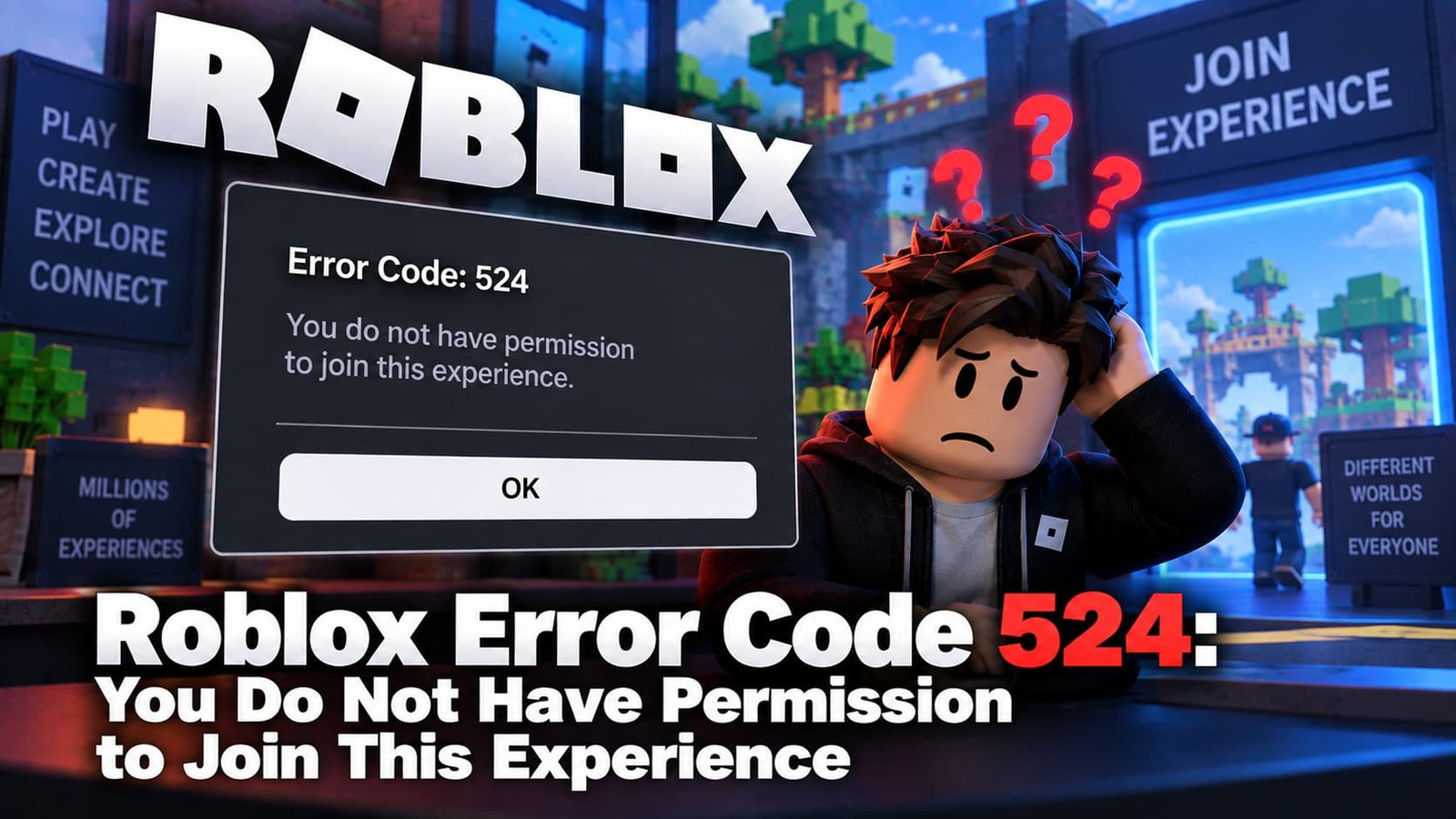
If Roblox stops you with “You do not have permission to join this experience” (Error Code 524), the game itself is refusing you entry — this isn’t a network problem, it’s a permissions one. Here’s what’s actually blocking you and how to get in.
Not sure which error you have? Try the Roblox Error Doctor and get to the fix in a few clicks.
What Does Roblox Error Code 524 Mean?
Error 524 means the experience you’re trying to join has restricted who can enter, and your account doesn’t currently meet that restriction. It commonly shows as “Not Authorized to Join This Game” or the permission message above, and it applies most often to private and VIP servers rather than public games.
Common Causes
- You weren’t added to a private server’s member list — the server owner controls this directly.
- The server requires “Friends Allowed” or a specific invite and you don’t currently qualify.
- The experience is group-exclusive and you haven’t joined the required Roblox group.
- Your privacy settings block VIP server invites — Roblox lets you restrict who can invite you at all.
- Temporary server unavailability during maintenance or an outage.
How to Fix Roblox Error Code 524
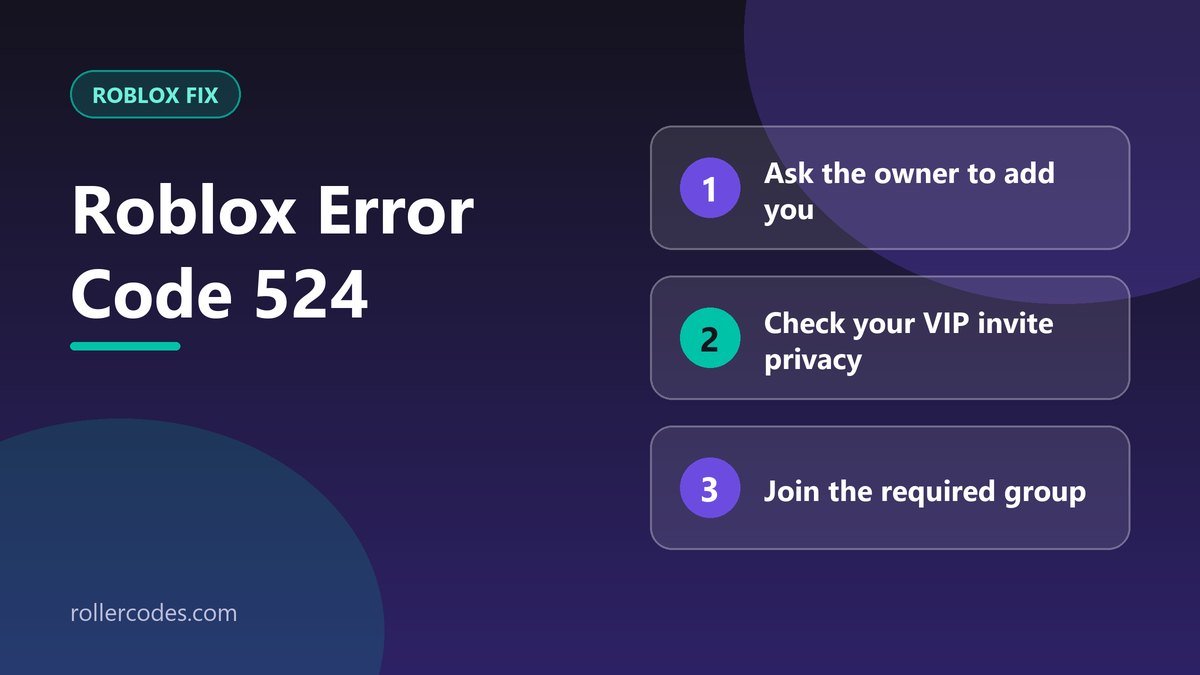
- Ask the server owner to add you. For private/VIP servers, only the owner can add your username to the member list or turn on “Friends Allowed.”
- Check your privacy settings. Go to Settings → Privacy → “Who can invite me to a VIP server” and set it to Everyone (or at least Friends) if it’s currently more restrictive.
- Join the required group if the experience is group-locked — check the game’s page for group requirements before trying again.
- Restart the app and try again — a temporary glitch can produce the same message even when your permissions are actually fine.
- Use the Roblox Player app instead of a browser — browser-based joins are more prone to this error than the native app.
Frequently Asked Questions
Is Error 524 a ban?
No. It’s a permissions restriction, not a moderation action — it usually means you simply haven’t been granted access to that specific private server or group-only experience.
Why does this only happen on some games?
Because it’s tied to server-level settings the creator or server owner controls — most public experiences don’t have any of these restrictions turned on.
Related Roblox Fixes
- Roblox Error Doctor: diagnose your error code
- “The creator hasn’t made this game available for you”
- Roblox Error Code 403
- Roblox connection problems
Related Roblox Guides
- How to Join Roblox Groups
- How to Shut Down a Private Server on Roblox