
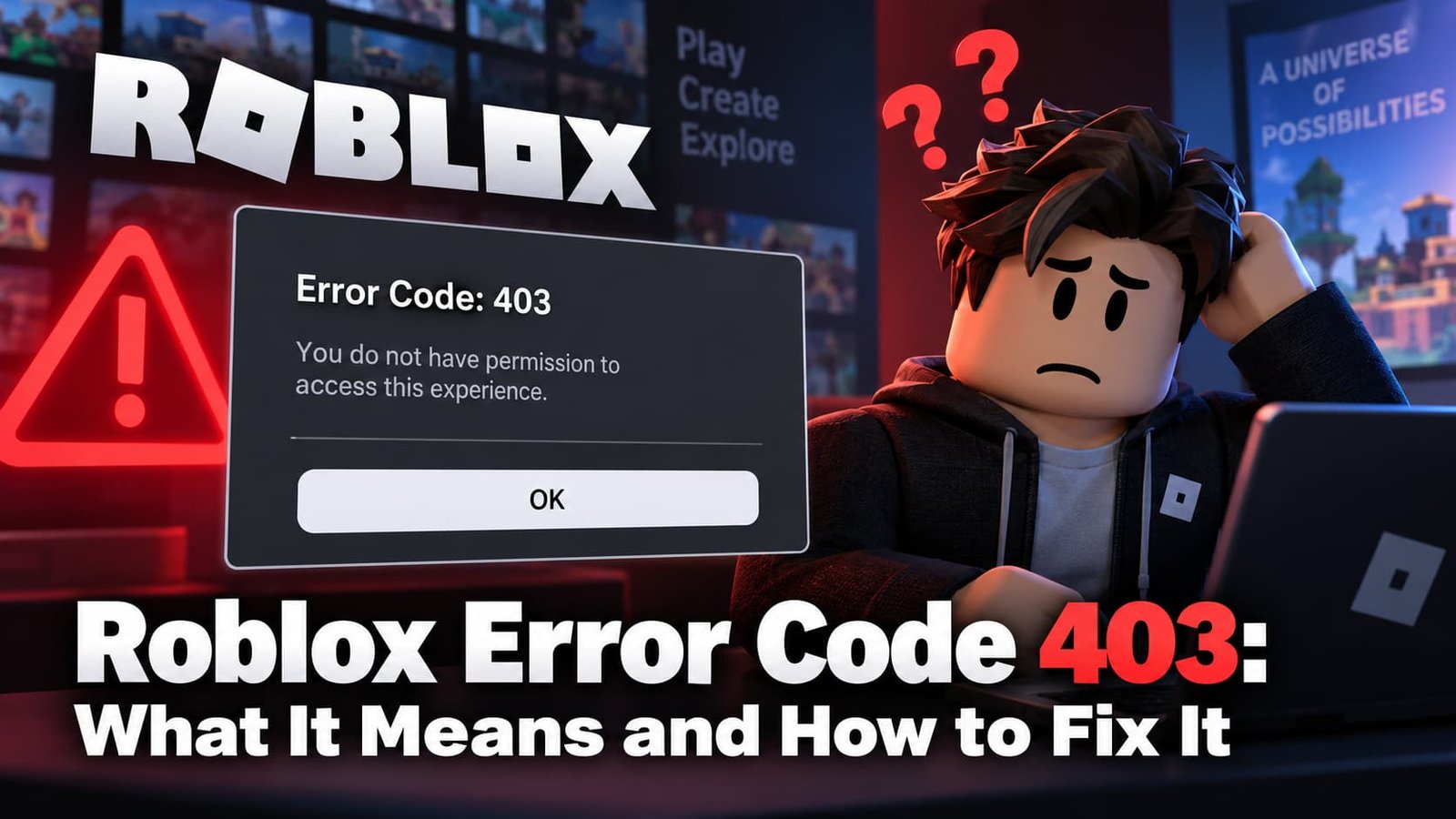
If Roblox suddenly refuses to load and shows “Error Code: 403”, the game isn’t lagging or down — the server is actively refusing your request. That’s a different problem from a normal connection drop, and it needs a different fix. Here’s exactly what triggers it and how to get back in.
Not sure which error you have? Try the Roblox Error Doctor and get to the fix in a few clicks.
What Does Roblox Error Code 403 Mean?
Error 403 is the standard web “Forbidden” response: the Roblox server understood your request but refused to allow it. On most sites that means a permissions problem, and Roblox is no different — something about your account, your connection, or your device is tripping one of Roblox’s access checks before the game even gets a chance to load.
It’s not the same as a timeout or a “could not connect” message. Those mean Roblox’s servers never answered. A 403 means they answered — with a deliberate no.
Common Causes of Error Code 403
In order of how often each one actually turns out to be the cause:
- Corrupted local cache files — Roblox’s launcher stores authentication data locally. If that cache gets damaged (a bad shutdown, a failed update), it can fail the handshake and Roblox reports it back as a 403 instead of a clearer error.
- A VPN or proxy — Roblox’s anti-abuse systems flag sudden IP or region changes as suspicious, especially if the IP has been used by other Roblox accounts before you.
- A firewall or antivirus block — some security software blocks Roblox’s connection silently, which the client reports as an access error rather than “blocked by firewall.”
- An expired or broken login session — if your session token expired mid-game, Roblox can reject the next request with a 403 instead of just logging you out cleanly.
- An account restriction — Roblox sometimes returns 403 for accounts under moderation review, a ban, or an age/parental restriction, instead of showing the ban screen directly.
How to Fix Roblox Error Code 403
Work through these in order — most people are fixed by step 3 or 4 without needing to go further.
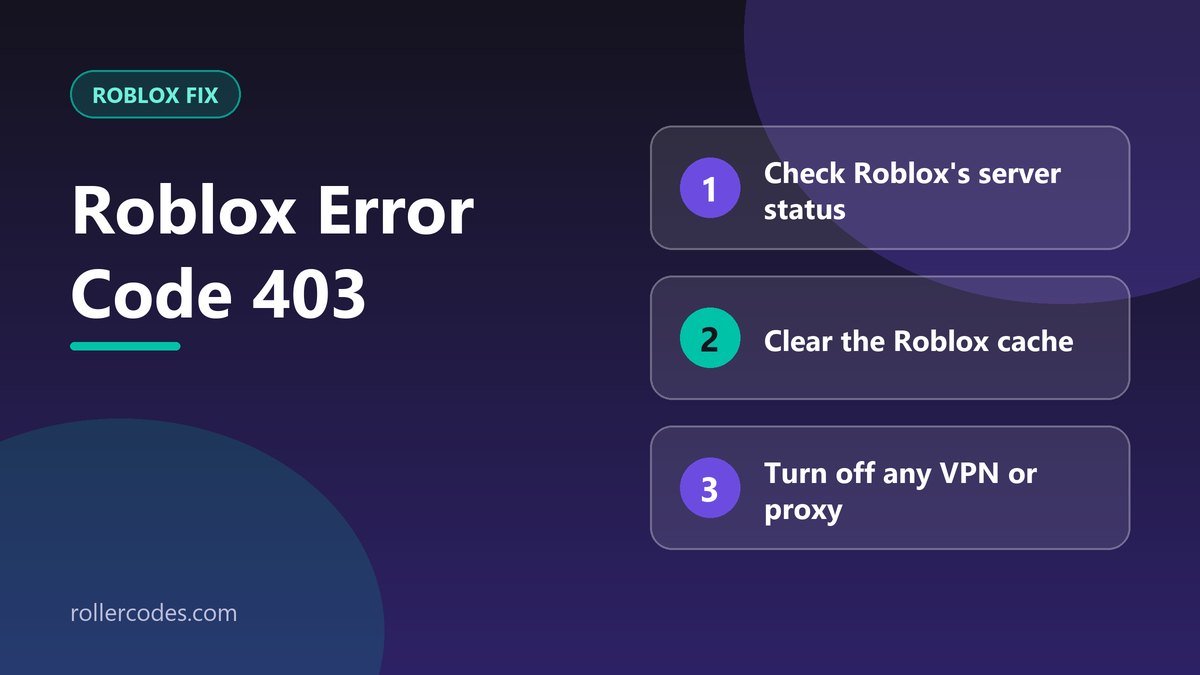
- Check Roblox’s server status first. If Roblox itself is having an outage, no amount of troubleshooting on your end will fix it. A quick search for “Roblox down” or checking Roblox’s own status page tells you in seconds.
- Restart your device and router. This clears out stuck network sessions and is genuinely enough to fix a 403 caused by a one-off authentication glitch.
- Clear Roblox’s cache. On Windows, close Roblox completely, then delete the contents of
%localappdata%Roblox. This forces Roblox to rebuild its local files from scratch on next launch, which clears out whatever was corrupted. - Turn off any VPN or proxy. Reconnect directly and try again. If it works, the VPN’s IP was the problem — Roblox flagged it, not your account.
- Check your firewall and antivirus. Make sure Roblox and RobloxPlayerBeta.exe are allowed through both. Temporarily disabling third-party antivirus (not Windows Defender, just to test) can confirm whether that’s the blocker.
- Reinstall Roblox. If nothing above works, uninstall it completely, restart your device, and install a fresh copy from roblox.com.
When Error 403 Means Your Account Was Restricted
If you’ve gone through every step above and still get 403 on every device and every network, it’s worth checking your email for a message from Roblox about your account — moderation actions, bans, and some parental-control restrictions can surface as a 403 instead of the usual ban screen. Log in to your account through a browser (not the game client) to check if there’s a notice waiting.
Still Not Working? Contact Roblox Support
If the error persists after trying everything above, your best move is to contact Roblox Support directly and explain exactly which steps you’ve already tried — that saves a back-and-forth and gets you a faster answer on whether it’s an account-side restriction they need to review. See our guide on how to contact Roblox support for the fastest way to reach them.
For other connection issues that aren’t a straight 403, check our full guide to Roblox connection errors.
Frequently Asked Questions
Does Error 403 mean I’m banned?
Not necessarily. Most 403 errors are caused by cache, network, or VPN issues that have nothing to do with your account standing. It’s only worth checking for a ban notice after you’ve ruled out the technical causes.
Will reinstalling Roblox delete my progress?
No. Your account, inventory, and game progress are all stored on Roblox’s servers, not on your device. Reinstalling only affects the local application files.
Can error 403 happen on mobile or console?
Yes, though it’s less common. The same causes apply — try restarting the app, checking your connection, and confirming Roblox’s servers are up before anything else.
Related Roblox Fixes
- Roblox Error Doctor: diagnose your error code
- Roblox Error Code 524
- Roblox Error Code 267
- Roblox connection problems
Related Roblox Guides
- What Is Roblox Account Standing? How to Check It
- How to Report a Bug on Roblox
- How to Check or Reset Your Roblox Password