
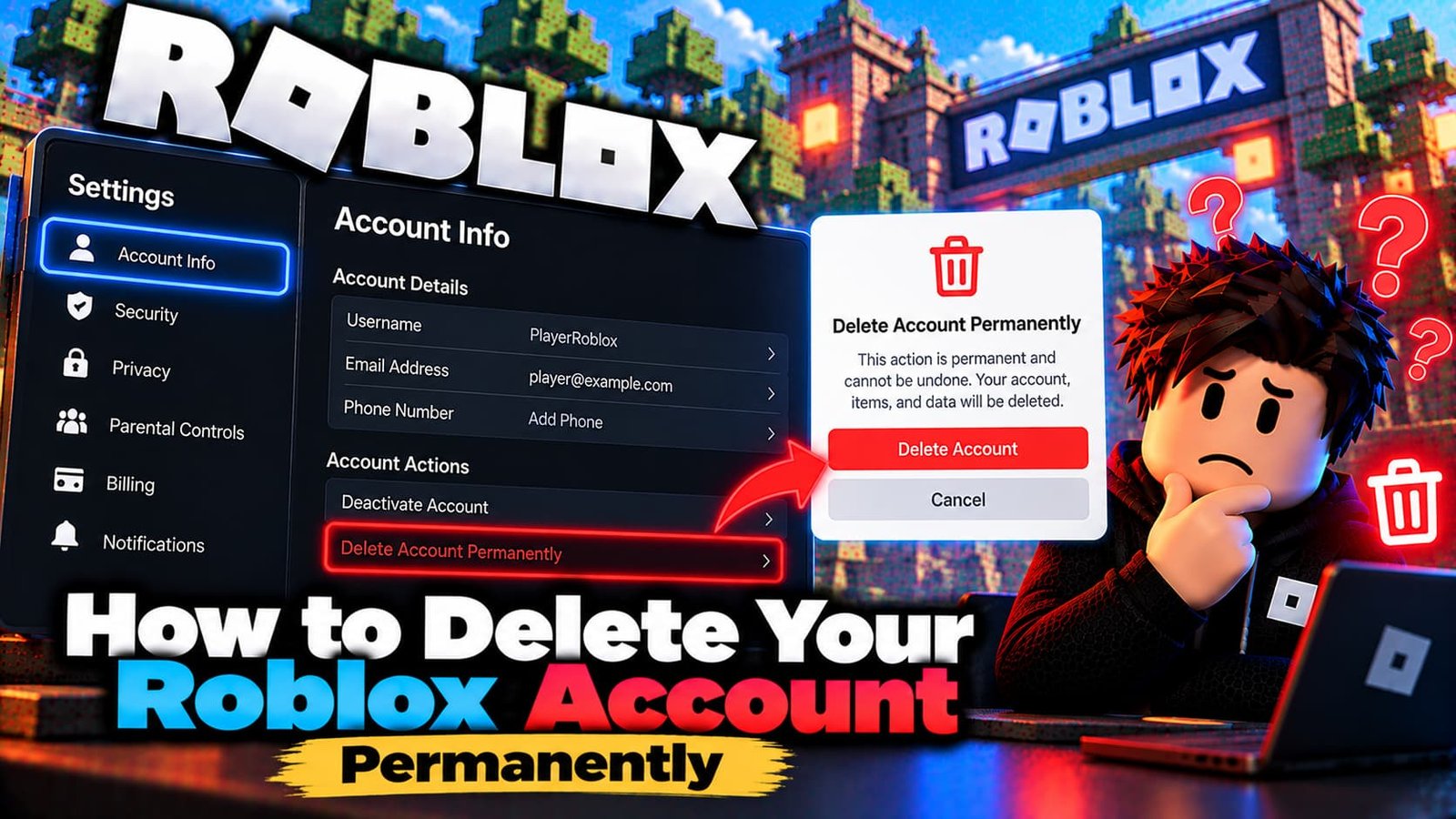
Deleting a Roblox account is permanent and takes your progress, items and Robux with it. Before you go through with it, it helps to know there is a reversible option too. This guide explains the difference between deactivating and deleting, what Roblox requires, and what to do first.
Deactivation vs. Permanent Deletion
Roblox offers two different options, and they are not the same thing:
- Deactivation hides your account and profile but keeps your data, including your friends, Robux and inventory. You can reactivate it at any time by logging in again. This is the safer choice if you are not completely sure.
- Permanent deletion removes the account. Game progress, purchased items, Robux and avatar customizations are lost for good, and Roblox does not offer a way to recover a deleted account.
How to Delete Your Roblox Account
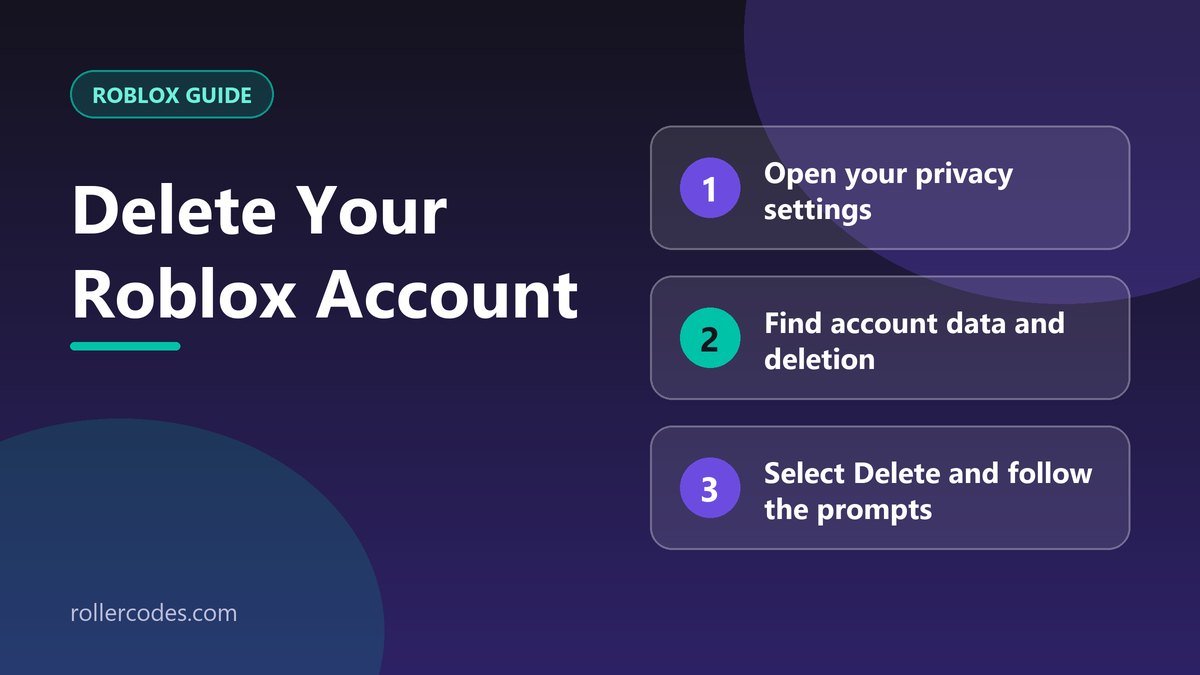
- Log in and open your privacy settings.
- Find “Account data, deactivation & deletion”.
- Select Delete and follow the prompts.
You need a verified email address on the account to request deletion. To protect your privacy, Roblox also takes steps to verify your identity before it carries out the request, so it may not happen instantly.
How to Deactivate Instead
In the same privacy settings section, choose the Deactivate option instead of Delete. Nothing is erased. If you change your mind, log back in and the account comes back.
Before You Delete: A Short Checklist
- Spend or use your Robux. They are lost with a permanent deletion and Roblox doesn’t refund them afterwards.
- Check for subscriptions such as Roblox Premium. If you pay through Apple, Google or another store, cancel it there too, because deleting the account may not stop a store-billed charge.
- Save what you want to keep. If you made friends or group connections, note down their usernames or make contact elsewhere first.
- Add or verify your email if none is attached, since deletion requires a verified address.
- Think about deactivating first. It costs nothing and you can always delete later.
If You Can’t Log Into the Account
If you can’t log in, or the delete option doesn’t work, Roblox says to use its support form for help with account deletion. First try to recover access with our guide to resetting your Roblox password. If that fails, follow the steps in how to contact Roblox Support and explain that you want the account deleted.
Common Mistakes
- Deleting when you only want a break. Deactivation hides the account and can be undone by logging in; deletion can’t.
- Forgetting to spend or use Robux. They disappear with the account.
- Trying to delete without a verified email. Add and verify one first, then start the request.
- Assuming it happens instantly. Roblox verifies your identity before it processes the request, so allow some time.
- Deleting the wrong account. Check the username at the top of the settings page before you confirm, especially if you have more than one account.
What Happens After You Delete
Once the request is completed, the account, its items and its progress are gone, and Roblox doesn’t offer a recovery process. You can still create a brand-new account later with a different username, but nothing from the old one carries over. If you are leaving because of harassment or safety concerns, consider blocking or reporting the people involved before you go, so the problem isn’t simply repeated elsewhere.
Frequently Asked Questions
Can I get a deleted account back?
No. Roblox does not offer a recovery process for permanently deleted accounts, which is why deactivating first is worth considering.
Does deactivating the account delete my data?
No. Deactivation hides the account but keeps your data, friends, Robux and inventory.
What happens to my Robux if I delete the account?
They are lost. Robux can’t be moved to another account.
Do I need an email to delete the account?
Yes, a verified email address is required to request deletion.
Sources
Checked against Roblox’s own support documentation. Menus and rules can change, so if something looks different on your screen, the official article is the final word.
Related Roblox Guides
- Do You Get a Refund If You Cancel Roblox Plus?
- How to Edit Your Roblox Profile
- How to Change Your Roblox Account Location