
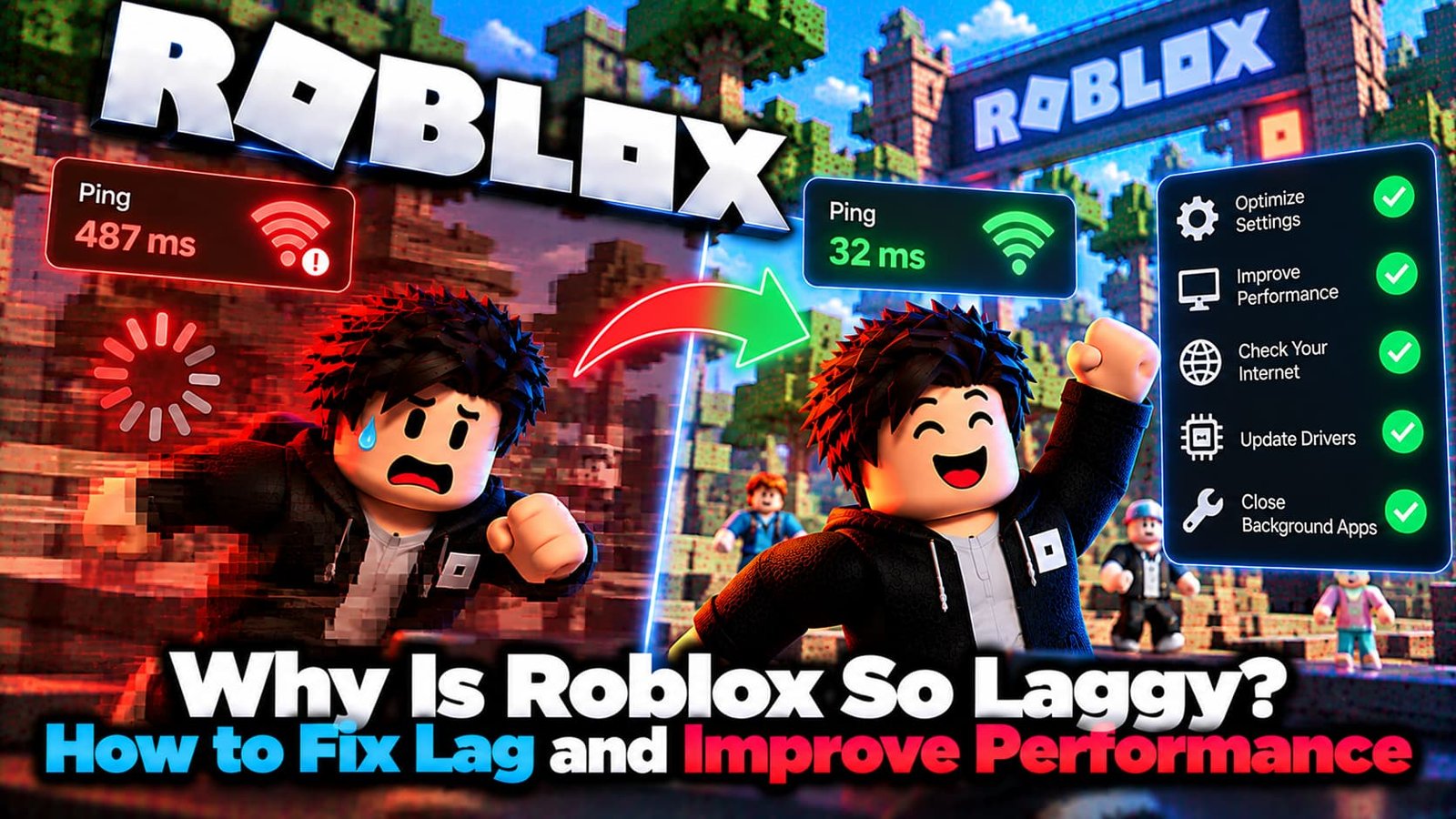
Roblox lag can come from three completely different places — your internet, your device, or the game itself — and the fix is different for each. Here’s how to tell which one you’re actually dealing with, and what genuinely helps.
Not sure which error you have? Try the Roblox Error Doctor and get to the fix in a few clicks.
The Three Kinds of Roblox Lag
- Network lag — other players appear to teleport or freeze, and your own actions take longer than expected to register. This is a connection problem, not a graphics one.
- Graphics lag — camera movement looks rough, animations stutter, and frame rate drops, especially in busy or detailed areas. This points to your device struggling to render the game.
- System lag — Roblox competes with everything else running on your device for CPU and memory, the same as any other game.
What Usually Causes It
- Graphics settings set too high for your device — this is the single most common cause of frame-rate lag.
- Background apps eating memory, CPU, or bandwidth that Roblox needs.
- A weak or crowded Wi-Fi connection, especially on the 2.4GHz band.
- Outdated graphics drivers causing rendering instability.
- A genuinely busy or poorly optimized game — some experiences lag for everyone regardless of your own setup.
How to Reduce Lag in Roblox
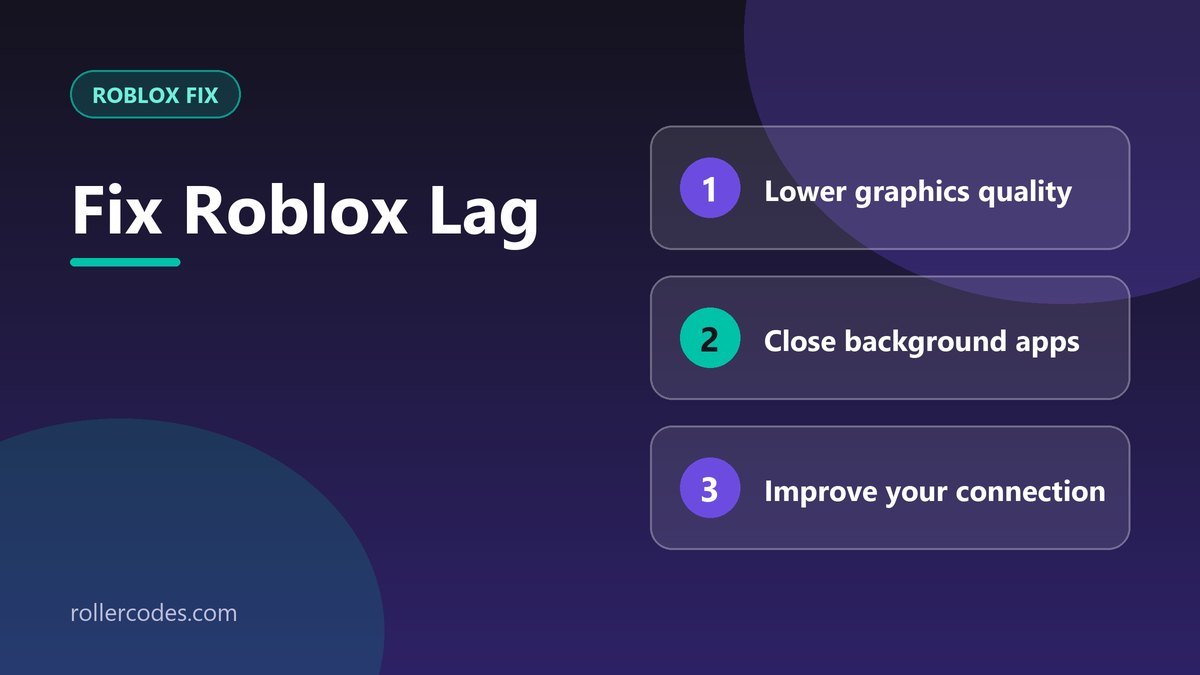
- Lower your graphics settings. Turn off Graphics Quality – Auto in Roblox’s settings menu, then manually drag the quality level down a few notches.
- Switch to a wired connection if possible — Ethernet is consistently more stable than Wi-Fi for reducing network lag.
- Close background programs before launching Roblox — browsers, music apps, and anything else you don’t need running.
- Update your graphics drivers. An outdated driver can cause stuttering that no in-game setting will fix.
- Restart the game. A simple restart clears out memory leaks and temporary glitches that build up over a long session.
When It’s the Game, Not You
If a specific experience lags for you but everything else runs smoothly, the game itself may be poorly optimized or unusually crowded — that’s outside anything you can fix locally. Try a different game to confirm whether the lag follows you or stays with that one experience.
If lag comes with actual disconnects rather than just choppy performance, see our guide to Roblox connection problems for the fixes that address dropped connections specifically.
Frequently Asked Questions
Does a better internet plan fix graphics lag?
No. Graphics lag is about your device’s rendering power, not your connection speed. A faster internet plan only helps with network lag.
Why does Roblox lag more in some games than others?
Because different experiences have different graphical complexity and different numbers of concurrent players — a simple obby and a detailed open-world game put very different loads on your device.
Related Roblox Fixes
- Roblox Error Doctor: diagnose your error code
- Roblox connection problems
- Roblox Error Code 279
- The “Third-Party Software Is Interfering” error
Related Roblox Guides
- How to Record Gameplay on Roblox
- How to Report a Bug on Roblox