
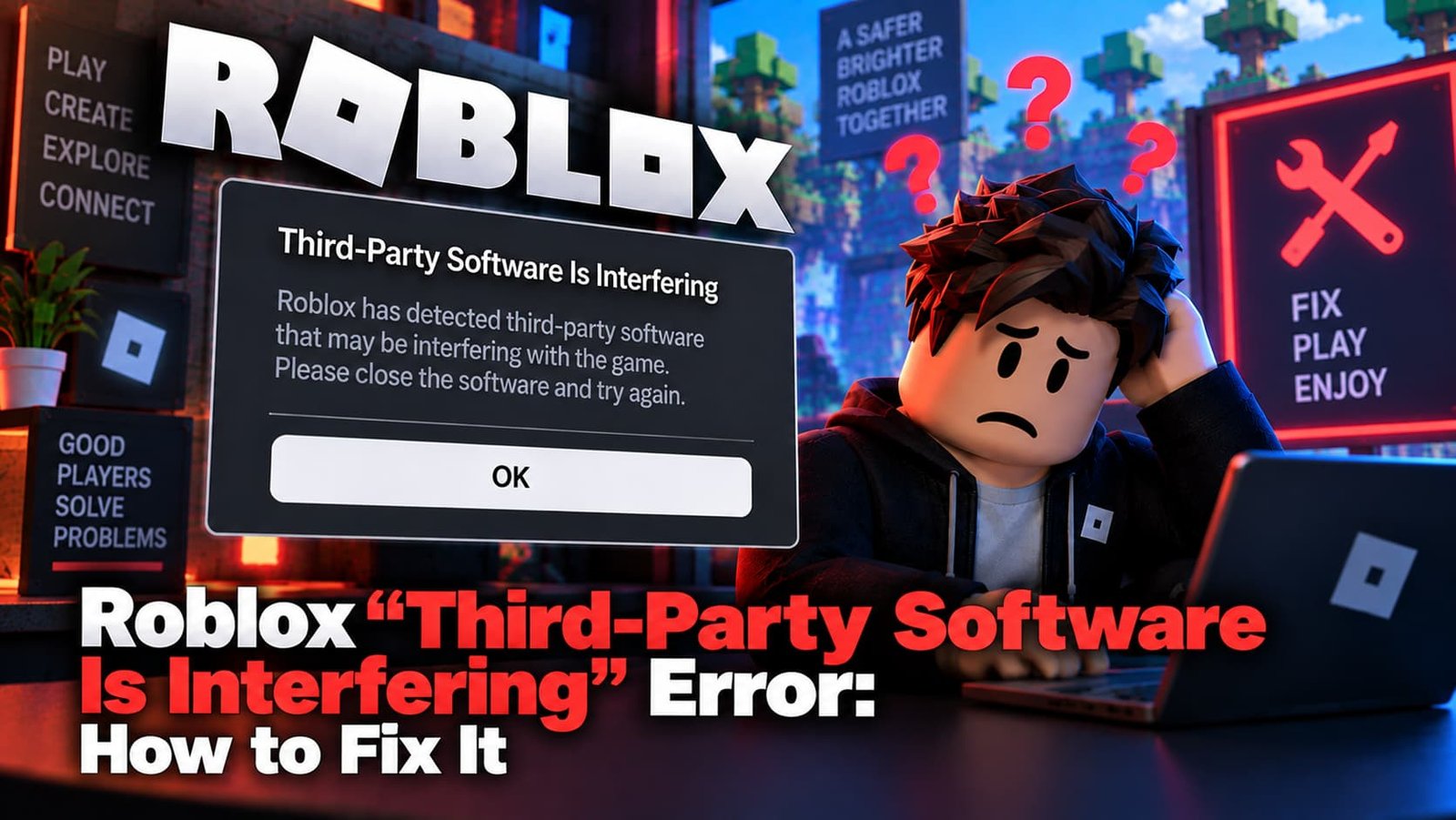
The message “Third-party software is interfering with Roblox” is Roblox’s anti-cheat system flagging something running alongside the game — and the frustrating part is it sometimes triggers even when nothing suspicious is actually installed. Here’s how to clear it.
Not sure which error you have? Try the Roblox Error Doctor and get to the fix in a few clicks.
What Does This Error Mean?
Roblox runs anti-cheat checks to detect programs that could be used to exploit or cheat in games — auto-clickers, macro tools, overlay software, or actual exploit clients. When it detects something matching that pattern, it blocks the connection and shows this message rather than letting you join.
Common Causes
- Auto-clickers or macro tools running in the background, even for unrelated purposes.
- Overlay software from capture or streaming tools (some conflict with Roblox’s anti-cheat).
- Your antivirus itself — some security software injects into running processes in a way that looks identical to a cheat tool.
- A corrupted Roblox installation — this can trigger the message even with nothing else running.
- An actual exploit or cheat client — if you know one is installed, this is Roblox correctly doing its job.
How to Fix It
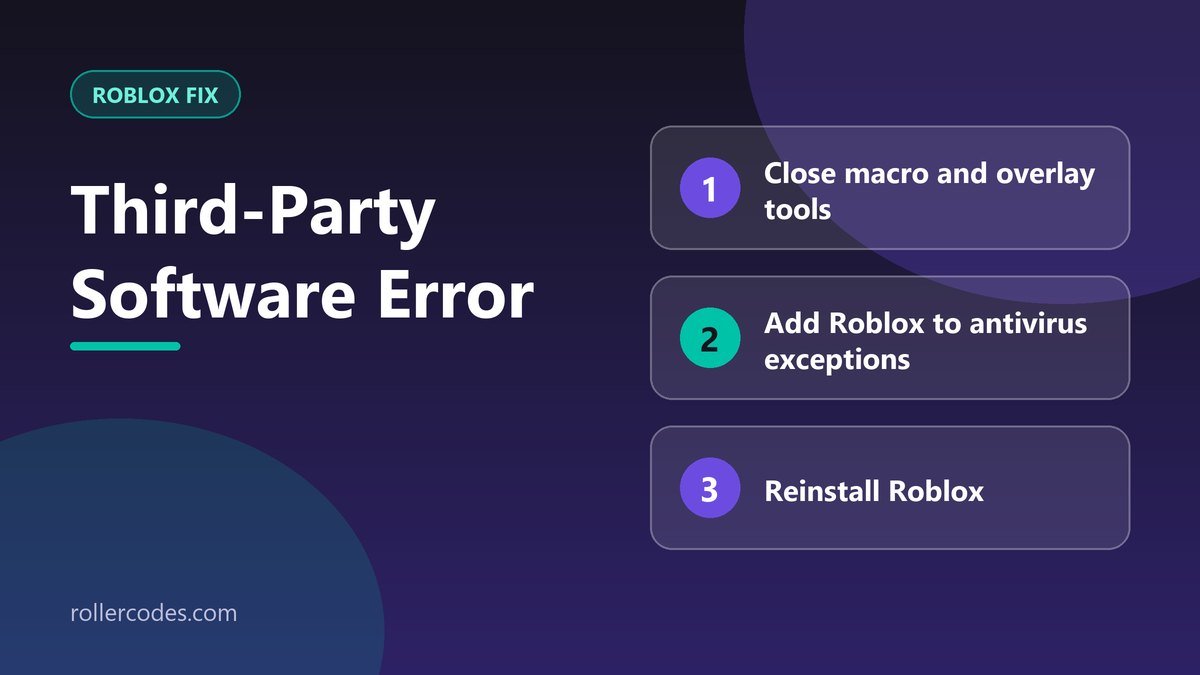
- Close every background app you don’t need — auto-clickers, macro software, secondary game launchers, and capture/overlay tools are the most common triggers.
- Do a clean boot (Windows:
msconfig→ Selective Startup → disable non-Microsoft services) so only essential software runs while you test. - Add Roblox to your antivirus exceptions. Open your security software and add Roblox and RobloxPlayerBeta.exe to its allowed/trusted list.
- Reinstall Roblox. A corrupted install can trigger this even when nothing else is actually running.
- Check your router’s port settings. Roblox uses UDP ports 49152–65535; if your router or ISP blocks that range, it can produce interference-style errors alongside connection problems.
Frequently Asked Questions
Why does this happen with nothing suspicious installed?
Anti-cheat detection isn’t perfect — legitimate software like overlay tools or even some antivirus programs can trigger a false positive because they interact with running processes in similar ways to actual cheat tools.
Is my account at risk if this triggers by mistake?
A one-off false positive that just blocks the connection typically doesn’t affect your account. It becomes a real risk only if Roblox’s systems detect an actual exploit tool running repeatedly.
Related Roblox Fixes
- Roblox Error Doctor: diagnose your error code
- Roblox Error Code 279
- Why Roblox is laggy
- Roblox connection problems
Related Roblox Guides
- How to Contact Roblox Support by Email
- How to Record Gameplay on Roblox