
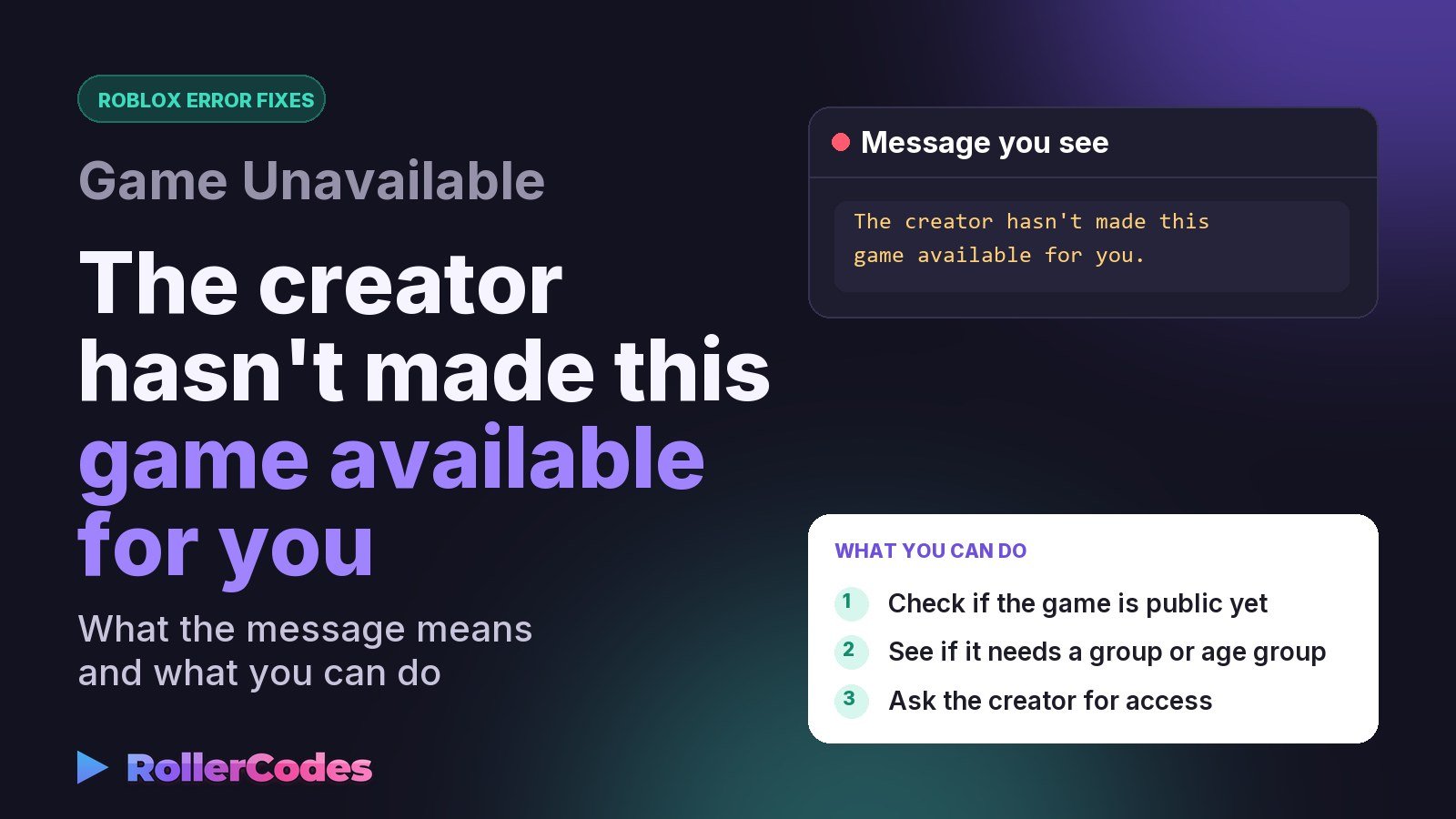
Seeing “The creator hasn’t made this game available for you” is confusing because it sounds like a technical error — but it’s actually a message about who the game’s creator has chosen to let in. Here’s what it really means and what you can do about it.
Not sure which error you have? Try the Roblox Error Doctor and get to the fix in a few clicks.
What This Message Means
Roblox experiences have an “audience” setting that creators control: Public (anyone can join), or a more limited setting that restricts access to specific playtesters, group members, or age groups. This message appears when the experience’s audience is set to something more restrictive than “everyone,” and your account doesn’t currently fall inside that group.
It’s worth knowing this is purely a decision the creator made in their game’s settings — it isn’t a Roblox-wide restriction on your account, and it isn’t something broken on your device.
Common Situations Where This Appears
- The game is still in limited testing and hasn’t been opened to the public yet.
- Access is restricted to a specific group and you’re not currently a member.
- An age or content rating setting excludes your account type.
- A temporary Roblox platform issue — there have been reports of this message appearing incorrectly, even for a game’s own creator, due to a bug in how audience settings apply. If you own the game and see this, double-check your audience setting is actually set to Public.
What You Can Do
As a player, there isn’t a setting on your side to fix — the restriction lives entirely in the game’s own configuration. Your options are:
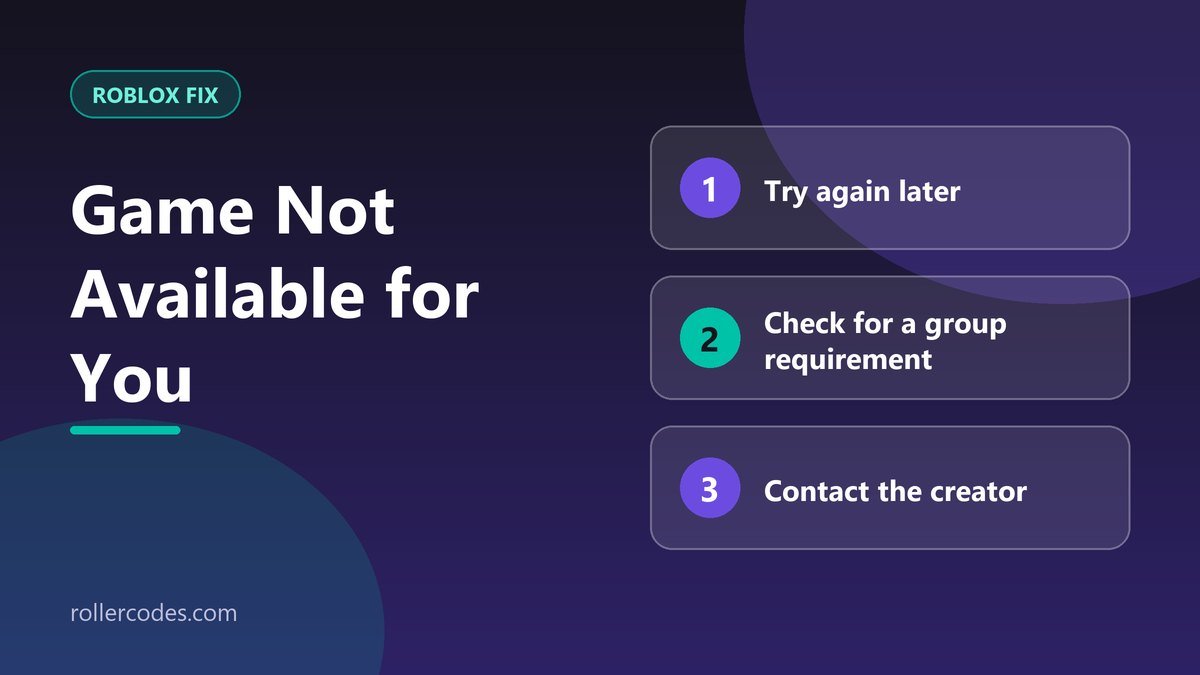
- Try again later. If the game is still being tested, it may open to the public soon.
- Check if it requires a group. Look at the game’s page for any mention of a required group and join it if you’re eligible.
- Contact the creator directly through their group or social channels if you believe you should have access.
If you’re the creator and your own game is showing this message to you, it’s a sign to review your experience’s audience setting in Creator Hub rather than a player-facing issue at all.
Frequently Asked Questions
Can Roblox Support give me access?
No — audience restrictions are controlled entirely by the game’s creator, not by Roblox’s support team.
Is this the same as being banned?
No. A ban blocks a specific account after they’ve had access; this message means the game was never opened to your account type in the first place.
Related Roblox Fixes
- Roblox Error Doctor: diagnose your error code
- Roblox Error Code 524
- Roblox Error Code 267
- Roblox connection problems
Related Roblox Guides
- How to Join Roblox Groups
- How to Change Your Age Group on Roblox