
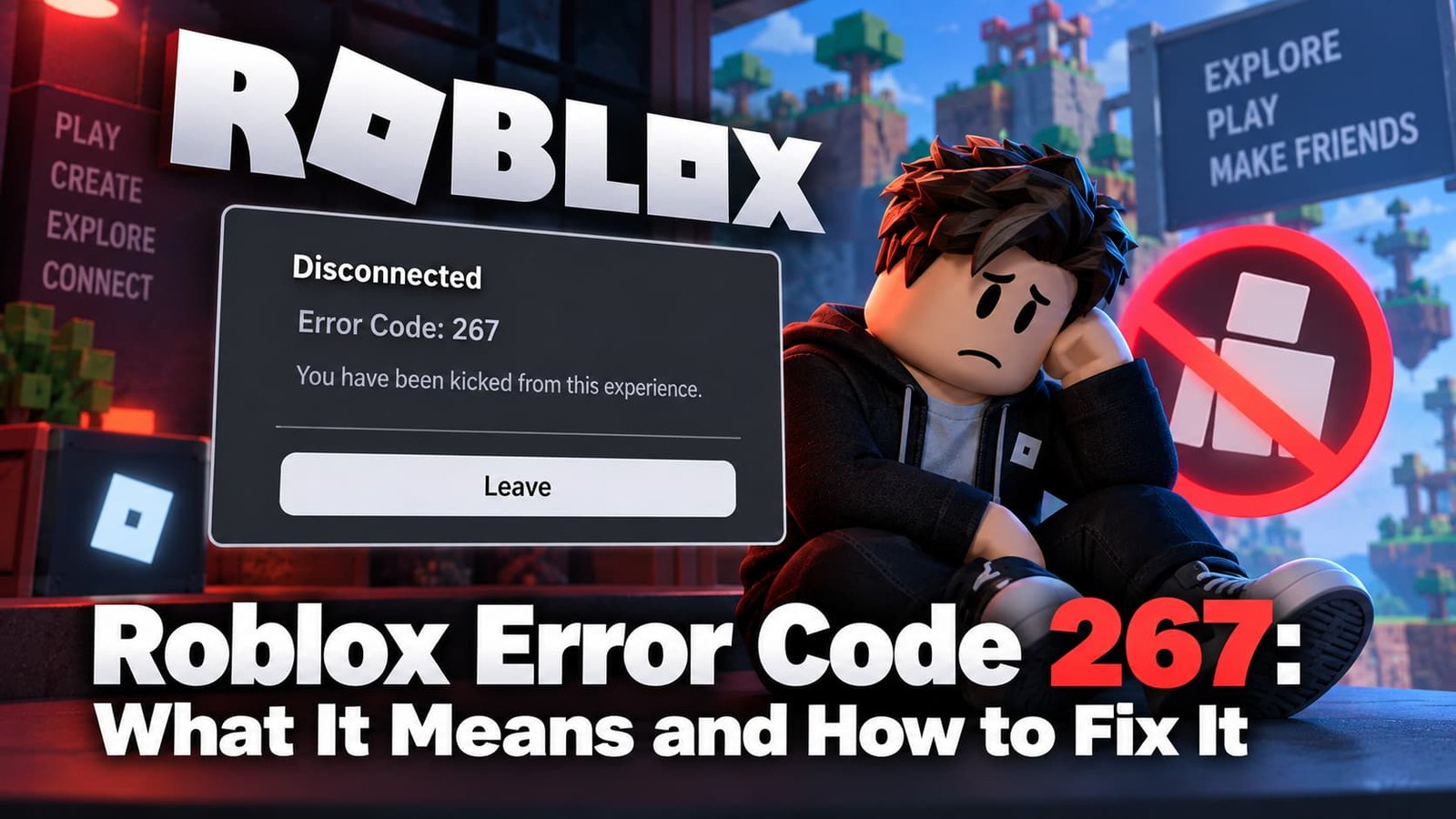
Error Code 267 usually shows up with a message like “You were kicked from this experience” — and unlike most Roblox errors, this one isn’t a connection glitch. It means a specific game removed you on purpose. Here’s what actually causes it and what you can (and can’t) do about it.
Not sure which error you have? Try the Roblox Error Doctor and get to the fix in a few clicks.
What Does Roblox Error Code 267 Mean?
Error 267 means your account was banned from that specific experience by the game’s creator or its moderation system — not by Roblox itself. It’s the platform-level code Roblox uses whenever an individual game kicks and blocks a player, whether that’s for breaking the game’s own rules, tripping an anti-cheat check, or a moderator’s manual ban.
This is an important distinction: a 267 on one game says nothing about your account standing anywhere else. You can be banned from a single experience and still play everything else on Roblox normally.
Common Causes of Error Code 267
- A ban issued by the game’s moderators — for breaking that experience’s specific rules (chat, gameplay conduct, exploiting).
- An anti-cheat false positive — some games’ anti-exploit systems misfire on legitimate players, especially after a client update.
- Unstable connection during a moderation check — a dropped connection at the wrong moment can sometimes register as a kick.
- Corrupted local Roblox files — rare, but worth ruling out with a cache clear before assuming it’s a real ban.
How to Fix Roblox Error Code 267
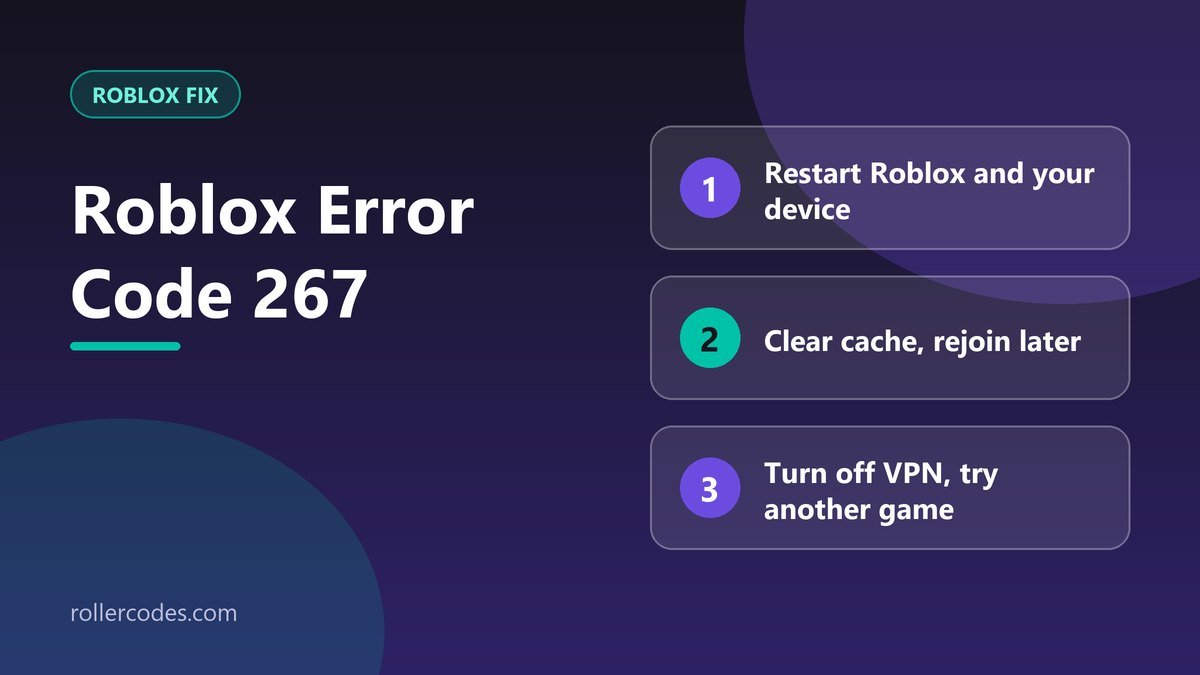
- Restart Roblox and your device. Rules out a connection hiccup being misread as a kick.
- Clear your Roblox cache and try rejoining a few minutes later — some kicks are timed and lift automatically.
- Turn off any VPN. A shared or flagged IP can trigger a game’s automated moderation just as easily as it triggers Roblox’s own systems.
- Try a different experience. If you can join other games fine, the ban is scoped to that one experience — confirming it’s not an account-wide issue.
What Roblox Support Can (and Can’t) Do
This is the part most guides skip: Roblox Support does not lift bans issued by individual game creators, and it generally won’t contact the creator on your behalf either. If you believe the ban was a mistake, your only real path is reaching out to that specific game’s creator or moderation team directly — through their group, Discord, or in-game support channels, if they have one. See our guide on contacting Roblox Support for account-wide issues that Roblox itself can actually help with.
Frequently Asked Questions
Does Error 267 affect my whole Roblox account?
No. It’s scoped to the one experience that banned you. Other games are unaffected.
Can Roblox Support remove a game-level ban?
No — bans issued by a game’s own creator or moderation team are outside Roblox Support’s control. You need to contact that game’s team directly.
Is Error 267 permanent?
It depends entirely on the game. Some bans are temporary and lift automatically; others are permanent decisions made by that game’s moderators.
Related Roblox Fixes
- Roblox Error Doctor: diagnose your error code
- Roblox Error Code 524
- “The creator hasn’t made this game available for you”
- Roblox connection problems
Related Roblox Guides
- What Is Roblox Account Standing? How to Check It